
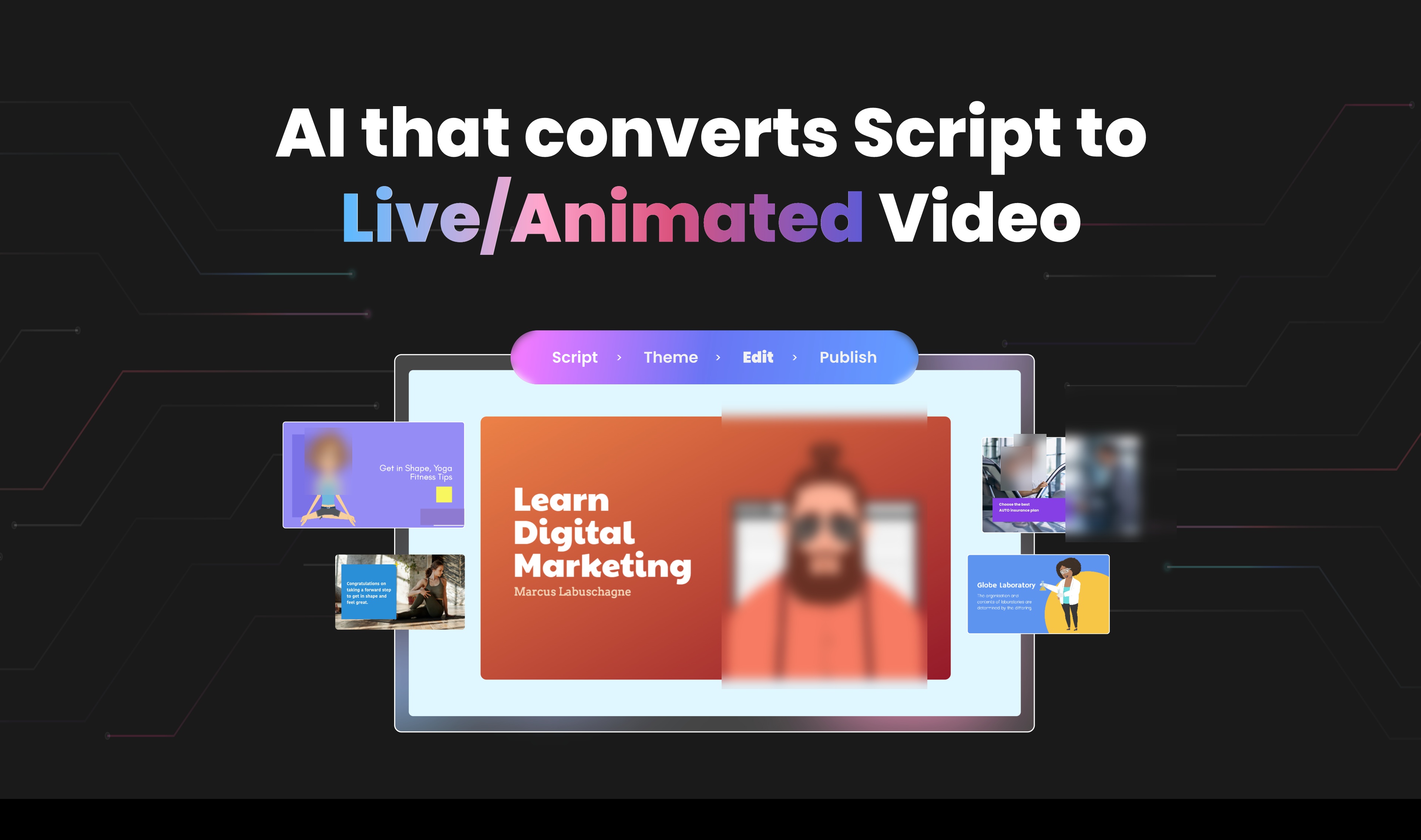
Steve.AI's Free Image-to-Video AI: Unlimited Potential or Hidden Catches? A Deep Dive Against HeyGen & Cuty AI
Watch the Video Summary
Let's be real, most AI video tools cost a lot or have annoying limits on their free versions. So, when Steve.AI promises unlimited, watermark-free videos from your images, it sounds amazing, right? But is it too good to be true? Are there hidden problems, or is it just not talked about much by other users? I did some digging to get you the real story.
Table of Contents
AI video creation is super popular right now. Everyone, from people making YouTube videos to small business owners, wants tools that make their work easier and don't cost a fortune. Steve.AI jumps into the game with a big promise: you can make unlimited, free AI videos. But how does it really compare to big names like HeyGen and Cuty AI? And what are other people actually saying about it?
The Promise of Unlimited AI Video: Steve.AI's Vision
Steve.AI wants to change how you make videos, especially if you need to create content fast and easily. Its main tools are the 'Image to Video AI' and 'AI Text to Video' features. They promise to turn your ideas into awesome videos in just minutes. The best part? It's super easy to use, even if you've never edited a video before. If you're curious about the tech behind it, I've also looked into Steve.AI's Image-to-Video AI: A Technical Review of its Cinematic Promise and Market Potential.
Here's the deal: what really makes Steve.AI stand out, at least from what they say, is that you get unlimited AI videos with their free plan. This is a huge plus for people who make videos without showing their face, like 'Faceless Creators', 'YouTubers', and 'Marketers'. If you need to make tons of content for social media, your business, or for teaching, you won't have to worry about costs. It's built to help you make professional videos, ready to share, all without ever needing to be on camera yourself. This makes creating content for different platforms much simpler.
Core Capabilities: Transforming Images and Text into Cinematic Scenes
Steve.AI isn't just about turning a picture into a simple video. It wants to give you that movie-like quality! Its 'Image to Video AI' tool lets you change your images into cinematic scenes with AI. This adds movement and depth that plain pictures just don't have. Also, the 'AI Text to Video' feature helps you turn your written thoughts into amazing videos in minutes. It even takes care of things like cuts, how fast the video moves, and the visuals, almost like a real video editor.
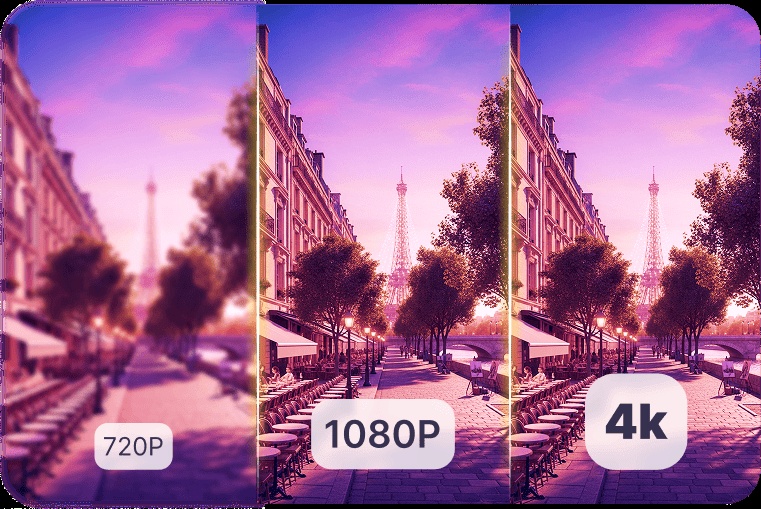
The platform also has 'AI Motion Effects', which means you can easily add cool movement effects to your videos. What's the big idea? They want to "Deliver crisp, studio-level videos designed for binge-worthy viewing". Think AI-powered camera moves, zooms, and smooth changes between scenes – all to keep your audience hooked. If you want to learn how to make free AI video clips from just one picture, check out my Masterclass: Create Free AI Video Clips from a Single Image with Steve.AI for a simple guide.
Beyond Visuals: AI Voiceovers and Comprehensive Brand Customization
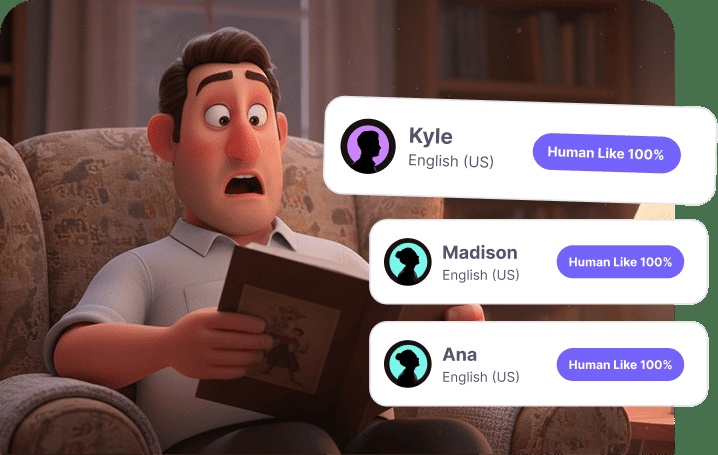
A fantastic video isn't just about what you see; what you hear is super important too. Steve.AI includes AI voiceovers that can "Generate natural, professional narrations for faceless content". This means you don't need other apps just for voiceovers. Plus, you get a library of free-to-use music that fits your topic, making your stories even better.
If you're building a brand or you're a regular content creator, Steve.AI gives you full Brand Customization. This is great because you can save your brand's colors, fonts, and logos all in one spot. This makes it super fast and easy to keep everything looking consistent. You can even put your brand colors on characters and add your logo to their shirts or right into the video scenes. This helps everyone recognize your brand in all your videos.
Seamless Branding and Collaborative Workflows
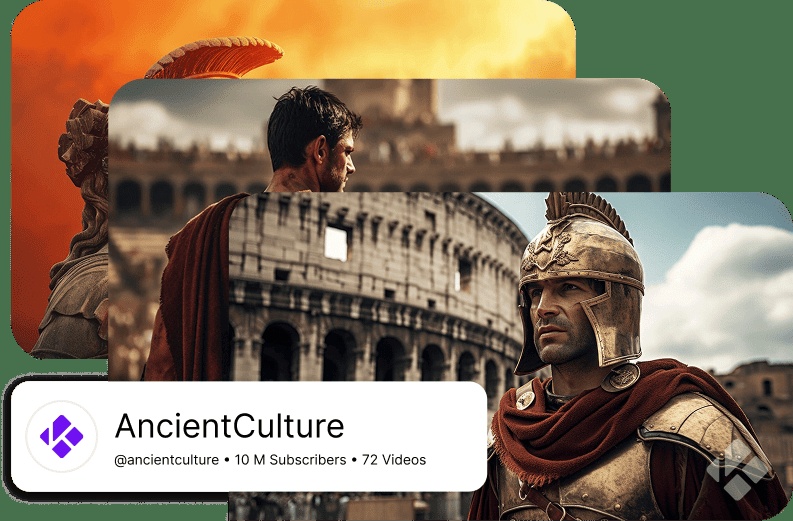
Keeping your brand consistent is really important, and Steve.AI makes sure that "Every video you create automatically reflects your channel’s look and feel." This automatic feature saves you a ton of time and effort. If you work in a team, the platform also helps with teamwork and getting things done efficiently. You get shared workspaces, so everyone can create, edit, and check videos without having to send files back and forth.
Besides branding and teamwork, Steve.AI also lets you "Repurpose one YouTube video into Shorts, Reels, and TikToks instantly". This is awesome for growing your presence on different platforms. Also, it helps you reach people all over the world by letting you "Generate videos in multiple languages and voices". This way, you can connect with all sorts of audiences.

The Competitive Edge: Steve.AI's Free Tier vs. Industry Rivals
Here’s the deal: lots of AI video tools give you free trials or free versions with limits. But Steve.AI's promise of unlimited free video making really makes it stand out. Let's see how it compares to some of its main rivals:
| Feature | Steve.AI (Free Plan) | HeyGen (Free Plan) | Cuty AI (Free Plan) |
|---|---|---|---|
| Free Video Output Limit (Videos/Month) | Unlimited (∞) | 3 | Unlimited (∞) |
| Watermark on Free Output (Presence) | No (inferred) | No (inferred) | Yes |
| Free Photo Avatar Videos (Videos/Month) | Not specified | 3 | Not specified |
So, what did I find? Steve.AI's "unlimited video creation in its free plan" is a big win, especially when you look at HeyGen's free plan. HeyGen only lets you make "3 videos per month and 3 Photo Avatar videos". Now, Cuty AI also says you get unlimited videos, but there's a catch: its "Free plan outputs include watermarks". That's a common thing with free tools, but Steve.AI seems to skip that (since I didn't see any mention of watermarks for their free plan, it probably means your videos will be clean).
The Quiet Community: What People Aren't Saying About Steve.AI (And Why It Matters)
Okay, this part gets a little weird. When a new AI tool comes out, you usually see a lot of people talking about it online – what they like, what they don't, and how they're making it work. This kind of chatter helps build trust and shows the tool is reliable. So, I did a Google search on Reddit for 'site:reddit.com "Steve.AI"', hoping to find some discussions or reviews. But guess what? I found almost nothing useful.
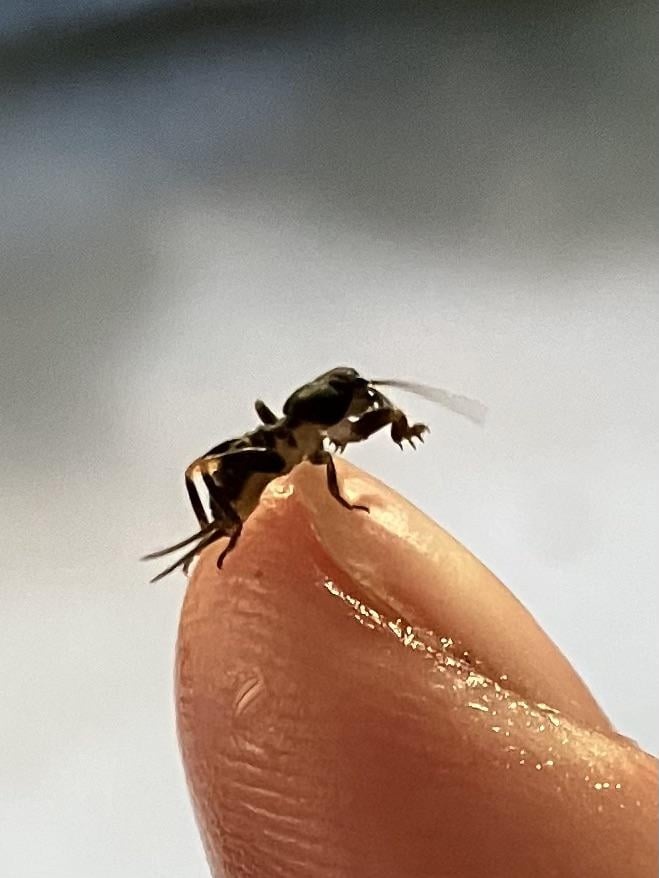
The main thing that came up on Reddit was a thread about a "mole cricket" in Perth, Australia – definitely not about an AI tool! This lack of real talk about Steve.AI on a big forum like Reddit makes me wonder if it's really being used by a lot of people, or if it's been properly reviewed by independent users.

What the Reddit Search *Actually* Revealed
Just to be clear, the top Reddit thread called "What the f*ck is this" was all about an insect. Comments like "It gives me the bloody heebie jeebies" or "just some bullshit on legs" were definitely about the mole cricket, not any AI video. People were even linking to Wikipedia for 'Mole cricket', which just proves it had nothing to do with Steve.AI.
Now, I'm not saying no one uses Steve.AI. It's just that, from my search, it's barely talked about in independent, open discussions like those on Reddit. This is a big difference compared to many other AI tools that get tons of user comments, help requests, and examples of what people are making. This struggle to find solid community proof is something I've seen before in the fast-changing world of AI, like when I reviewed Pippit AI: Lifelike Talking Photos & AI Video for Pro Creators, where user feedback was much easier to find.

What It Means When Not Many People Are Talking About It (And Why My Research Was Tricky)
When there's not much talk about a product, it means you, as a potential user, have to do a lot more checking on your own. If there aren't many independent reviews or community discussions about problems and solutions, it's tough to know how well the tool really works, what common issues pop up, or if there are any cool tricks other users have found.
I also had trouble finding much detailed information from other sources. When I tried to look at review sites like GetApp (www.getapp.com) and Capterra (www.capterra.com), I kept hitting "security verification" pages. Other links just led to "404 Not Found" errors. This scattered review situation really shows why you'll need to try it out yourself.

My Final Thoughts: What to Make of Steve.AI for Your Videos
Honestly, Steve.AI looks pretty good on paper. It promises unlimited AI videos, comes with a full set of features, great ways to customize your brand, and tools for easy teamwork. It definitely has an edge over HeyGen's small free plan and Cuty AI's watermarked videos, making it a tempting choice if you're trying to save money. But wait, there's a catch. The surprising lack of real user discussions, especially on sites like Reddit, means you should be a bit curious and ready to try it out yourself. Even though Steve.AI makes big claims, you'll really need to test it to see how well it works and if you can truly rely on it.

Practical Tip: Test Drive Steve.AI's Free Tier
My advice for anyone interested in Steve.AI is simple: use its free version. This is your chance to see what it can really do for yourself. They say, "Just type your idea, and Steve AI turns it into a ready-to-publish video" – so go ahead and test that main feature. Check out its tools for 'Faceless Creators' and dig into its 'Brand Customization' options. See if it truly fits how you work and what you need for your creative projects. Your own experience will be the best review you can get.
Frequently Asked Questions
Is Steve.AI's 'unlimited free' promise really true, with no hidden costs or bad quality?
Steve.AI says you get unlimited, watermark-free videos with its free plan. But you should really try it yourself to see the video quality and if there are any hidden limits they don't mention. I think there are no watermarks, but trying it out is the best way to know for sure.
Since there aren't many independent reviews, how can I trust Steve.AI to work well?
Because not many people are talking about it online, you'll have to rely more on trying it yourself. Use the free version to check out its features, see the video quality, and figure out if it fits into how you usually create content before you decide to use it long-term.
How good is Steve.AI's brand customization compared to paid tools, especially for pros?
Steve.AI has strong brand customization. You can save your colors, fonts, and logos, and even put your brand colors on characters. For a free tool, it's pretty thorough. But if you're a professional creator with advanced needs, you might want to compare it to paid tools to see if it's flexible enough for you.
Sources & References
- HeyGen Product Video Generator
- Cuty AI Image-to-Video AI Generator
- Reddit Thread: What the f*ck is this
- Wikipedia: Mole cricket
- Page Not Found | Steve AI Blog | AI Video Making Tips
- Steve.AI Unique Features | Unleash your Creativity
- Just a moment...
- Page Not Found | Steve AI Blog | AI Video Making Tips
- Google researchers find novel way of turning a single photo of a human into AI-generated video good enough to make you think 'this might go badly'
- Page not found | Popular Science
- 404 Not Found
- Just a moment...
- Source
- 404: This page could not be found.

Yousef S. | Latest AI
AI Automation Specialist & Tech EditorSpecializing in enterprise AI implementation and ROI analysis. With over 5 years of experience in deploying conversational AI, Yousef provides hands-on insights into what works in the real world.




