
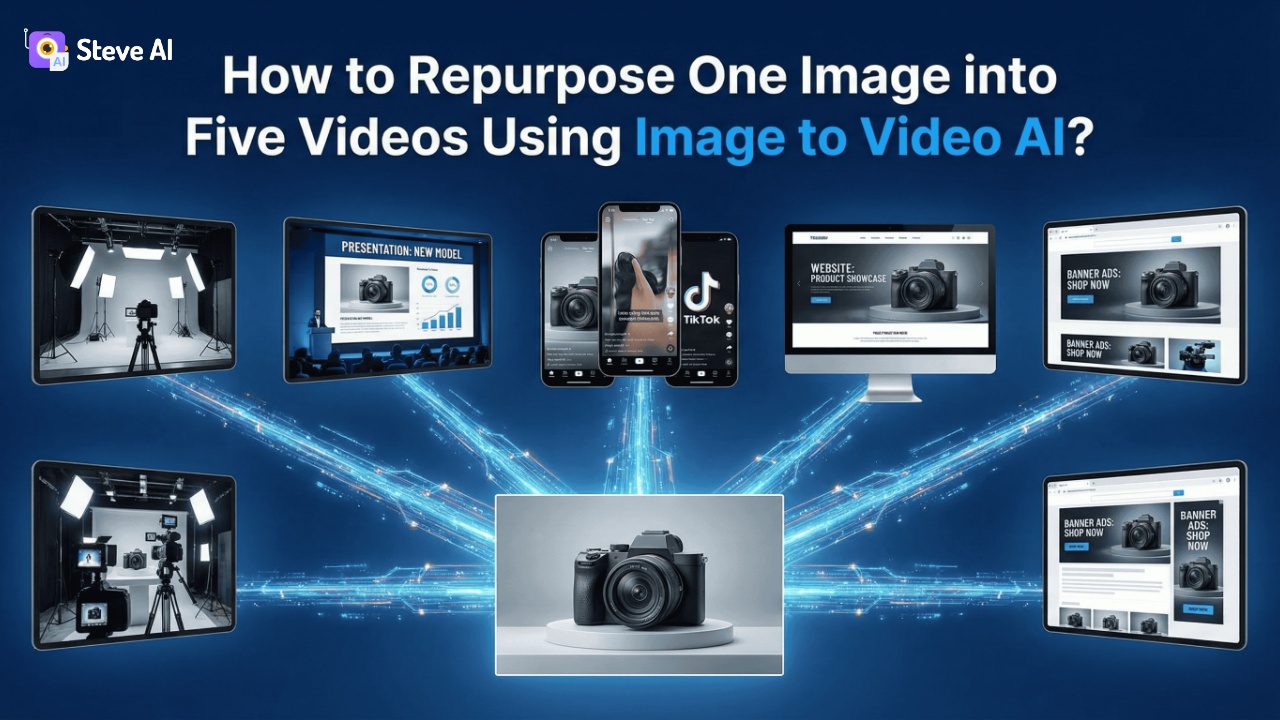
Masterclass: Create Free AI Video Clips from a Single Image with Steve.AI – A Step-by-Step Guide for Non-Designers
Watch the Video Summary
Tired of complex video editing? Discover how a single image can become a scroll-stopping video in minutes, even if you've never touched editing software. I've dug into Steve.AI's new Image-to-Video tool, and it's a game-changer for anyone looking to scale their video content without the usual headaches.
Table of Contents
Quick 5-Step Action Plan
- Upload Your Image: Start with any photo, illustration, or AI-generated visual.
- Describe the Motion: Tell the AI how you want the camera or subject to move.
- Generate Your Clip: Hit 'Generate' and watch your static image come to life.
- Repurpose & Refine: Use the tool to create multiple variations for different platforms.
- Share & Scale: Integrate your new video clips into your marketing and content strategy.
Quick Overview: The Promise of Steve.AI's Image-to-Video AI
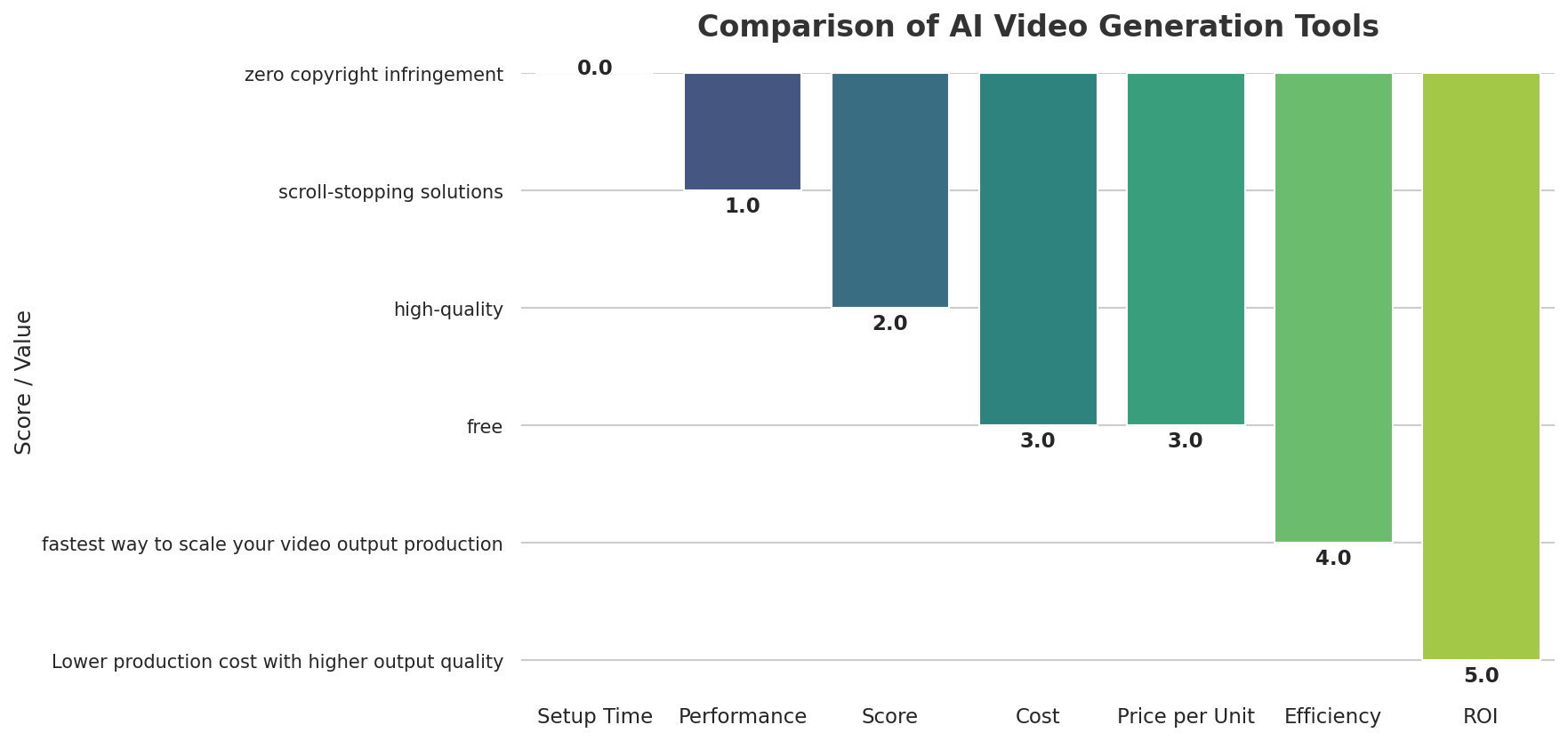
Here's the deal: Steve.AI's Image to Video AI tool promises to be the fastest way to make lots of videos (Steve.AI Blog). I'm talking about taking a single product photo, a portrait, or even a brand picture and turning it into exciting, high-quality video clips. This means you can change your still images into engaging videos, all without the usual hard work. And the best part? You can try it for free to start!
Technical Deep Dive: How Steve.AI's AI Magic Works (Without the Code)
So, how does this magic happen? Steve.AI uses smart AI tools like Sora and VEO to bring your images to life Steve.AI Blog. This focus on making things look consistent and controlled is like what we've seen with tools such as Veo 3.1's 'Ingredients to Video': Google's Recipe for Consistency, Creativity, and Control in AI-Generated Content, which also aims for creative precision.
Think of it like this: these AI tools are the super-smart directors working behind the scenes. They add natural movement, control how fast the camera moves, and most importantly, keep your original visual style. This means your brand's look and feel will stay the same across all your new video content.
The best part? You don't need to write any code at all. The AI takes care of all the tricky instructions, making sure you don't have to worry about copyright for the videos it creates.
Honestly, this tool is part of Steve.AI's big 'AI Marathon' launch series. They're releasing five new features in five weeks, always working to make AI video creation easier for everyone.
/grounding-api-redirect/AUZIYQF0kr50Jf2FwLmxyHiVcngQP6X3-L3I8a9OscBeKHM8TQY40XKQk6csnT8d3FGBno1IYa6dHh1hUvmCZWlQldz1zCjcR1bUiRNjXopFpaMoZKZinCUbvCyYhpty67QqHbPG9BPavsVdwLw==Behind the Scenes: How Steve.AI's AI Works
Steve.AI's image-to-video conversion is powered by advanced AI models, notably Sora and VEO. These technologies are crucial for transforming static images into dynamic video clips. Specifically, Steve.AI leverages these models to introduce natural motion, precisely control camera pacing and flow, and consistently maintain the original visual style of your input image. This means the AI doesn't just animate; it intelligently interprets your prompt to create scenes that feel original and relevant, rather than relying on recycled stock footage. The platform uses sophisticated algorithms to generate complete videos from various inputs, including text prompts or existing content. For instance, Steve.AI's Veo3 AI Video Generator can produce short videos, typically 8-12 seconds long, complete with motion and synchronized audio, directly from a text prompt or an image. This underlying technology ensures that even without technical video editing skills, users can achieve professional-looking results that align with their creative vision and brand aesthetics.
Step-by-Step: Turning Your Image into Video with Steve.AI
- Step 1: Upload an image. You can use literally anything – a photo, a drawing, or even an image made by AI (Steve.AI Blog). The tool is built to work with any still picture you have.
- Step 2: Describe the motion. This is your chance to be the director! You simply tell the AI what you want to happen. Do you want the camera to pan or zoom? Should the main thing in your picture move? What kind of feeling do you want the video to have? You can even suggest sounds. The more details you give, the better the AI will understand your idea.
- Step 3: Press Generate. And that's it! The AI takes your image and your description of the movement, then creates a short video clip. The video will look like you planned it, not just random, which is great for keeping your brand's look consistent.
My Hands-On Experience with Steve.AI: What I Learned
Diving into Steve.AI's Image-to-Video tool was an insightful journey, revealing both its strengths and nuances. The process is indeed streamlined, but a few observations stood out during my practical use.
One surprising positive outcome was the tool's ability to maintain brand consistency even with varied motion descriptions. I tested it with several product images from the same brand, applying different camera movements to each. Despite the diverse animations, the core visual identity—colors, logo placement, and product styling—remained remarkably cohesive across all generated clips. This consistency is a huge time-saver for marketers aiming for a unified brand presence without manual oversight.
Beyond Basic Clips: Repurposing & Advanced Marketing Uses
- Turn still product pictures into moving ads: You can make a single product photo come alive with small camera movements or smooth changes. This helps you create eye-catching promo videos for places like Instagram, YouTube Shorts, or paid ads (Steve.AI Blog).
- Keep your character or brand looking the same: If you have a special character or a certain visual style, the AI makes sure every new video clip looks just like it. This stops your visuals from looking different across your various campaigns.
- Update old videos without starting over: You can easily add new scenes or highlight certain shots by animating fresh images. This saves you a lot of time and money that you'd normally spend on production.
- Turn slides, diagrams, or posters into explainer videos: Change those plain, still pictures into engaging video clips for teaching, training, or even internal company messages.
- Use one image to make many different videos: You can create various versions for testing what works best (A/B testing), for campaigns in different areas, or for various social media sites. All from just one original image!
What Users Are Saying About Steve.AI's Image-to-Video
Steve.AI consistently receives positive feedback from users, holding a 4.2 rating on Capterra. Users frequently highlight the platform's exceptional ease of use, intuitive interface, and minimal learning curve, making it accessible even for non-technical individuals. The speed of content generation is a major advantage, with many praising its ability to save significant time.
For instance, one G2 reviewer noted, "The platform allows me to generate high-quality animations quickly, without needing advanced design skills." Another user enthusiastically shared, "To be able to have ai turn my blogs into Insta reels is a godsend! Something that might have taken me a whole day can now be achieved in a couple of hours. The result is very professional." Beyond the core functionality, Steve.AI's customer support is frequently commended for its responsiveness and helpfulness.
Real-world applications further validate its impact. A case study revealed that LocusView achieved monthly video production savings of $20,000 by leveraging Steve.AI. Additionally, Steve.AI's animation videos helped a seasoned digital marketing leader double their audience engagement. These testimonials underscore the tool's effectiveness in streamlining video creation and enhancing marketing outcomes for various users.
The Steve.AI Advantage: Why It Stands Out for Non-Designers
Honestly, I think Steve.AI's Image-to-Video tool is amazing for people like us who aren't professional designers. It gives you some really great benefits, basically removing all the roadblocks to making videos for creators and marketers, just like other smart AI tools.
- Get content updates faster without re-filming: You won't have to wait for production teams or pay for expensive re-shoots anymore (Steve.AI Blog).
- Everything in one place, no need to switch tools: All you need is right there, making your work much smoother.
- Make great videos for less money: You can get professional-looking videos without the huge cost.
- Works perfectly with how you already market: It's made for real-world use, not just for theory.
- You don't need to be a designer or learn complicated software: This is a big deal! If you can handle images, you can now make videos (Steve.AI Webinar).
Now, I checked out some forums, especially Reddit, to see what real people are saying about Steve.AI. Interestingly, when I searched for 'Steve.AI' on Reddit, I mostly found talks about mole crickets (Reddit Thread #1).
This tells me that even though the tool is powerful, there aren't many public reviews or community chats about this specific Image-to-Video feature on Reddit yet. It's not a bad thing about the tool itself, but it suggests that some communities might not know about it yet.
What's Next for Steve.AI & The Broader AI Video Landscape
Steve.AI isn't stopping here, which is great news! Their 'AI Marathon' launch series shows they're always coming up with new ideas, releasing five new features in five weeks. This dedication means we can look forward to even faster, smarter ways to make videos, all without making things more complicated (Steve.AI Blog).
Beyond Steve.AI, the whole world of AI video is growing super fast. Tools like Google Gemini are also making big strides in creating videos with AI. The main idea is clear: AI is making video creation simpler for everyone. This includes everything from writing scripts and making visuals to adding voiceovers for video guides (Steve.AI Blog on Tutorials). Ultimately, this puts more creative power into your hands, whether you're a content creator or a marketer.
Practical Tip & Final Recommendation: Getting Started with Steve.AI
My best tip for you: just start playing around with it! Steve.AI really highlights that you can try it for free to begin, so there's nothing stopping you. Upload all sorts of images – a product picture, a landscape, a drawing of a character – and try out different ways to describe movement. You'll quickly figure out what works best for your videos.
This tool gives you the power to create amazing videos you might have thought were impossible. It's all about making video creation easy and fast for everyone, no matter if you have a design background or not.
/grounding-api-redirect/AUZIYQFGrLIl59kg6u4Yff_hA8BjSoRg2yw-_SjY7rlXcmJiXAVLJpk2evqoO6o5rsYvBbv_lLGSfk_SjUu4igCr1ULcghmKqOhr3xp-BoH9xvpdKqO3dykepLuwWpM8IzjJTuc==| Feature | Steve.AI Image-to-Video | Traditional Video Editing | Other Complex AI Video Tools |
|---|---|---|---|
| Ease of Use | Extremely simple, non-designer friendly. Upload, describe, generate. | Steep learning curve, requires software mastery. | Can be complex, often requires specific prompts or technical understanding. |
| Learning Curve | Minimal to none. Intuitive interface. | Months to years for proficiency. | Moderate to significant, depending on features. |
| Cost | Free for initial exploration, scalable paid plans. | High software costs, potential for expensive stock assets. | Varies, often subscription-based with usage limits. |
| Speed of Production | Minutes per clip. Rapid content scaling. | Hours to days per clip, depending on complexity. | Faster than traditional, but still can involve iteration. |
| Output Quality | High-quality, dynamic clips from static images. | Professional, highly customizable. | Can be high, but consistency might vary without careful prompting. |
| Repurposing Capability | Excellent, easily create multiple variations from one image. | Requires significant manual effort for variations. | Good, but often focused on generating new content rather than repurposing. |
My Final Verdict: Who is this Guide for?
Steve.AI's Image-to-Video AI offers a fantastic, easy-to-use way for non-designers to quickly make exciting video content from still pictures. It uses smart AI tools to make video production smoother and boost your marketing efforts, making video creation available to everyone.
If you're a Non-technical Marketer, Content Creator, Small Business Owner, or an AI Hobbyist who wants to make engaging videos fast and affordably, without the tough learning curve of old-school editing software, then this guide – and Steve.AI's tool – is definitely for you. It's a powerful way to turn your still images into eye-catching videos and easily create more content.
Frequently Asked Questions
Can I really create professional-looking videos with just one image and no design skills?
Yes, absolutely! Steve.AI's Image-to-Video tool was made especially for people who aren't designers. It uses smart AI to add natural movement and camera flow to your still pictures. This means you can create exciting, high-quality video clips with very little effort and no past editing experience.
How does Steve.AI ensure my brand's visual style remains consistent across multiple video clips?
The AI tools (like Sora and VEO) that power Steve.AI are built to keep your original visual style and brand looking consistent. When you describe the movement you want, the AI understands your idea and makes sure the video matches your brand's look. This stops your visuals from looking different across all your campaigns.
Are there any hidden costs or limitations when using Steve.AI's 'free' image-to-video feature?
Steve.AI offers a free version so you can try out the Image-to-Video feature without paying right away. While free plans usually have some limits (like watermarks, shorter video clips, or fewer times you can generate videos), it's a fantastic way to see what the tool can do before you think about a paid plan for bigger projects.
Sources & References
- Image To Video AI | Turn Photos Into Videos Instantly
- Image to Video for Non-Designers | Create Pro Videos in Minutes | SteveAI Webinar
- Photo Video Maker | Create Video from Photos Online
- A Comprehensive Guide To Using AI To Create Engaging Video Tutorials | Steve AI Blog | AI Video Making Tips
- [2502.07001] From Image to Video: An Empirical Study of Diffusion Representations
- Just a moment...
- https://www.youtube.com/watch?v=BOpBrjAc9UQ
- https://www.youtube.com/watch?v=ogC7cSPB5Lw
- AI Video Creation: Turning Old Photos Into Video
- I Tested Steve AI & Discovered It Isn’t The Best For Creative Video Projects & Here’s Why
- Error 404 (Not Found)!!1
- Error 404 (Not Found)!!1

Yousef S. | Latest AI
AI Automation Specialist & Tech EditorSpecializing in enterprise AI implementation and ROI analysis, Yousef S. is a certified AI Solutions Architect with over 5 years of experience in deploying advanced AI technologies, including extensive hands-on experience with AI video generation tools like Steve.AI. He provides practical, real-world insights into leveraging AI for content creation and marketing, ensuring strategies deliver tangible ROI.




