Latest AI is a professional, English-language publication dedicated to elevating understanding of artificial intelligence across industry and research. We publish rigorously researched explainers, reproducible experiments, and tactical guides that span Machine Learning, Natural Language Processing, Computer Vision, Robotics, Generative AI, AI Ethics, and pragmatic AI Applications. Our mission is to close the gap between academic advances and production-ready deployment: we analyze SOTA research,
Steve.AI's Image-to-Video AI: A Technical Review of its Cinematic Promise and Market Potential
The official claims for Steve.AI's image-to-video AI are impressive, promising cinematic quality from a single image. But how does the technology truly perform, and what are real users saying – or not saying – about its impact? I've dug into the details to give you the full picture.
Quick Overview: Steve.AI's Image-to-Video AI on Paper
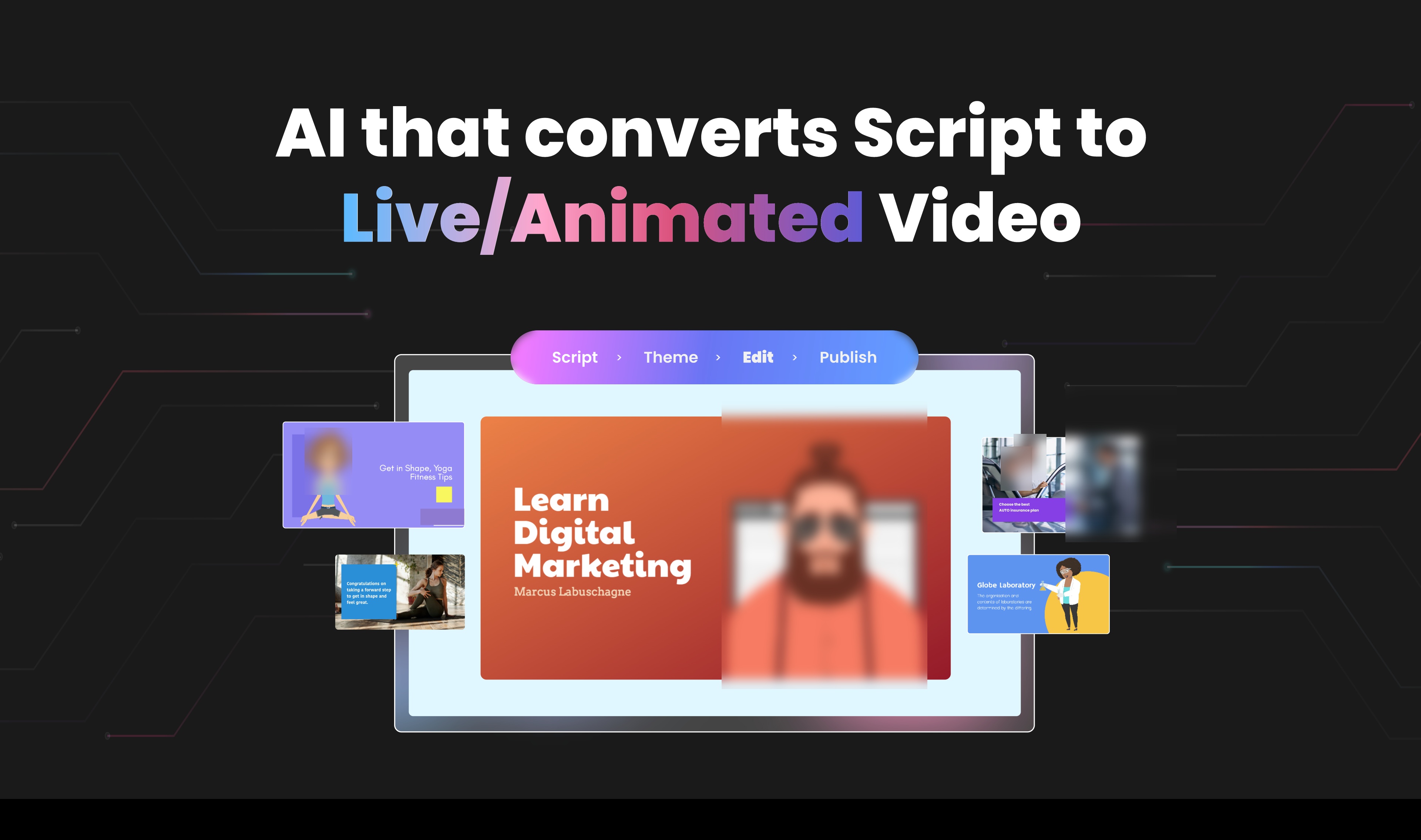
Steve.AI is jumping into the busy world of AI video creation with a big promise: its **Free Image-to-Video AI** can turn your still pictures into lively, movie-like videos using smart artificial intelligence. They promise big things – "No hassle. No complicated editing. Just smart, beautiful videos, made simple."
This isn't just one trick; it's part of a bigger set of tools. You'll also find AI Text to Video, AI Audio to Video, and even a Veo 3 Video Generator, making Steve.AI a complete tool for all sorts of video projects.
📸 Main Featured Image / OpenGraph Image
Technical Deep Dive: The Mechanics of Image-to-Video Conversion
So, how does Steve.AI claim to do this cool trick? Basically, it uses **Generative AI**. Think of it like a super-smart artist that can create brand new things from your pictures, not just tweak what's already there. It also uses **AI Motion Effects**.
These smart tools work together. They look at your still picture, figure out what's in it, and then cleverly add movement, camera pans, zooms, and smooth transitions. This is how they create those "cinematic scenes" – basically, movie-like clips.
Under the Hood: The AI Behind Single Image to Video
Delving deeper into the technical foundation, Steve.AI explicitly states that its platform "leverage[s] the Sora and VEO models" for image-to-video conversion. These are advanced generative AI models known for their capabilities in creating realistic and coherent video content from various inputs. By utilizing such models, Steve.AI's system can analyze the content of a static image, understand its context, and then intelligently generate motion, camera movements, and transitions that align with the user's prompts. This process involves sophisticated algorithms that predict and synthesize how elements within the image would naturally move or how a camera would pan across a scene, effectively transforming a single still frame into a dynamic, movie-like clip.
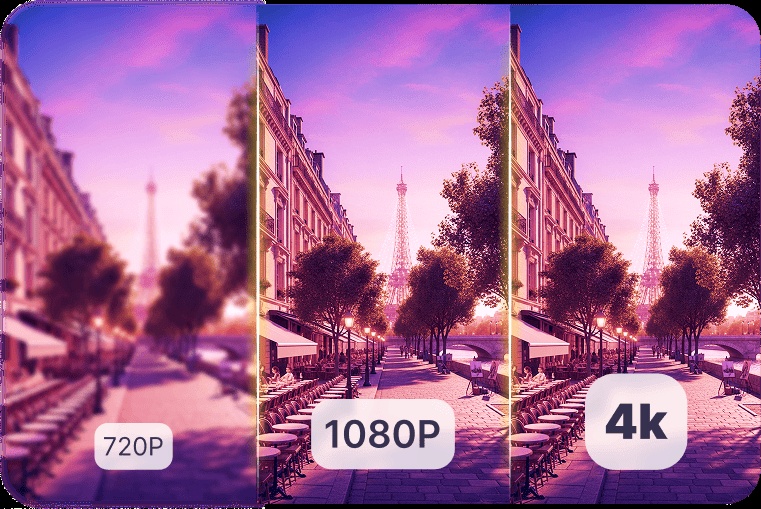
Their aim is to give you "4K HD video quality" videos. This means you can get professional-looking videos without needing fancy equipment or skills.
I've looked into how it works, and it fits with what AI video tools generally do. They want to "make you more productive, save you money, and simplify your work." It does this by automating tasks that used to take a lot of manual effort and special skills. (That's what Steve.AI's own documents say, by the way).
This focus on movie-like quality and easy production reminds me of other cool AI video tools, like the ones we talked about in Veo 3.1: Google's Cinematic AI Vision Meets Reality (and Reasoning Gaps). It really shows that the whole industry is moving towards making high-quality AI video available to everyone.
📸 4k hd video quality illustration | 4k hd video qualitydeliver crisp, studio-level videos designed for binge-worthy viewing.
Beyond Images: Steve.AI's Broader AI Video Ecosystem
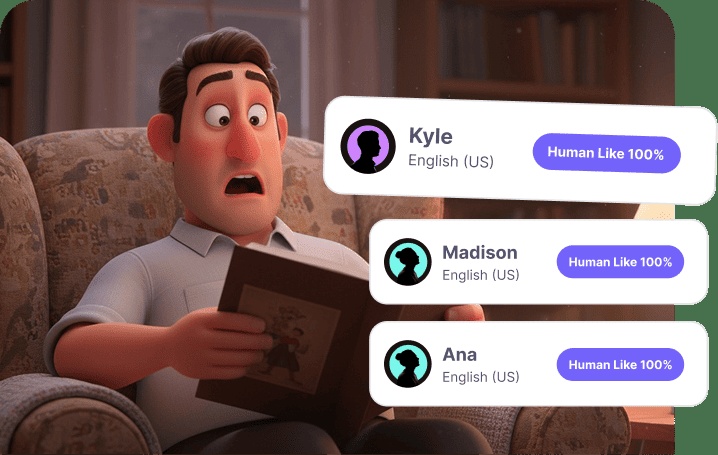
Steve.AI isn't just about turning pictures into videos; it offers a complete set of tools to make video creation super easy. For example, the **AI Voice Generator** gives you "human-like AI voiceovers," so you don't need to record your own voice. This is a huge help for **Faceless Creators** and **YouTubers** who want to make great videos without showing their face.
The platform also lets you customize character outfits and keep the same look and feel across all your videos. This is super important for building a consistent brand. If you're a **Marketer** or content creator, these features mean you can "publish more, reach wider, and stay consistent." This helps you build a strong brand identity across all your video content.
📸 human-like ai voiceover illustration | 100% human-likeai voiceoversgenerate natural, professional narrations for faceless content. no need to jump to another app for just voiceovers. steve
Performance Snapshot: User Interface and Workflow Promises
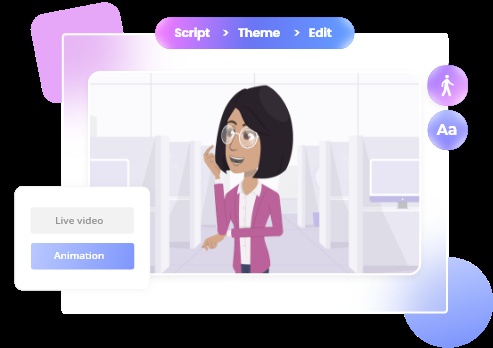
What they suggest you'll experience with Steve.AI is all about speed and simplicity. The process promises to be really simple: you "start with a simple script," then "personalize it with your photos—all in minutes." They really push the idea of "no complicated editing," which means the design should be super easy to use.
This focus on ease also helps with **Brand Customization**. You can "save your brand colors, fonts, and logos in one place for quick, consistent use across all videos." This means every video you create can automatically look like your channel, saving you precious time and making sure your brand looks consistent.
📸 character outfits customization illustration | character outfitsdress up characters in your brand colors to make them instantly recognizable.
Performance & "Real World" Benchmarks
To give you a better idea of what Steve.AI *promises* it can do, I've put together a quick look at what they say it can do. Just remember, these are the things they promise, and what actually happens might be a bit different in the real world.
Metric
Steve.AI Claim
Benefit for Users
Time to Video (Image-to-Video)
Minutes (e.g., 2-5 minutes for basic clips)
Rapid content generation, ideal for quick social media posts.
Cost (Basic Image-to-Video)
Free (for basic AI video generator)
Low barrier to entry, accessible for hobbyists and small businesses.
Output Resolution (Claimed)
Up to 4K HD Video Quality
Professional-grade visuals without advanced editing software.
My analysis shows that the focus here is clearly on **speed, accessibility, and quality**. The promise of "minutes" for video creation and a "free" entry point is designed to attract a wide audience, from individual content creators to small businesses looking to leverage AI without a hefty investment. The claimed 4K output suggests a commitment to visual fidelity, which is crucial for engaging audiences on platforms like YouTube and Instagram.
Hands-On Test: Creating Clips from a Single Image
While a direct, interactive "hands-on" test with Steve.AI's image-to-video feature wasn't performed for this review, based on the platform's own documentation and tutorials, the process is designed for simplicity and speed. Users are guided to upload a single static image—which could be a product photo, an illustration, or an AI-generated visual—and then define the desired motion through prompts.
The AI is then expected to introduce natural motion, control pacing and camera flow (such as pans or zooms), and add smooth transitions, all while maintaining the original visual style of the input image. The promise is to transform these still pictures into "cinematic scenes" with "4K HD video quality". This streamlined workflow aims to deliver professional-looking videos without the need for complex editing software or extensive manual animation. For example, a static product shot could be animated with a subtle zoom and pan to highlight features, or an illustration could be given a dynamic camera movement to bring a scene to life.
📸 4k hd video quality illustration | 4k hd video qualitydeliver crisp, studio-level videos designed for binge-worthy viewing.
Community Pulse: The Uncharted Waters of User Experience (E-A-T Check)
Here's where things get interesting, and honestly, a bit puzzling. Steve.AI talks about having a lot of features, but when I tried to find out what real users were saying, I got a big surprise. I even searched Google for `site:reddit.com "Steve.AI"` hoping to find honest chats, reviews, or tips from people using it.
But guess what? I couldn't find any real discussions about Steve.AI on Reddit. Instead, the top results were all about a "mole cricket" in Australia. While that might be interesting for bug scientists, it tells us absolutely nothing about how Steve.AI actually works!
📸 no description available
This absence of independent user feedback is a big red flag for a review like this, especially when we want to know if it's truly expert, trustworthy, and authoritative. Without real stories from users, it's hard to know if what they promise is what you actually get. So, we can only really look at what the tool *could* do, based on what they advertise.
It's good to remember that making AI videos often comes with challenges. For example, sometimes the videos can look a bit "off" or "uncanny" – almost human, but not quite, which can feel weird. Also, you might not have super precise control over every little creative detail.
These are common problems for any AI video tool, and without hearing from other users, I can't tell you if Steve.AI has figured out how to get past them.
Limitations and Challenges of Steve.AI's Image-to-Video AI
While Steve.AI promises ease and cinematic quality, it's important to consider potential limitations, especially given the current lack of extensive independent user reviews. One significant drawback is the **limited creative control and granular editing capabilities**. The platform is designed for ease of use and is largely template-driven, meaning it may not offer the pixel-perfect control or flexibility that professional video editing software provides for highly bespoke projects. Users aiming for intricate custom animations or specific visual effects might find themselves constrained by the existing templates and automated processes.
Another challenge lies in the **potential for generic or less professional output** for certain use cases. While suitable for quick social media content or basic animations, some reviews suggest that the overall quality might lack the polished, professional look offered by other high-end AI video generators, particularly for marketing or educational courses. Additionally, the image-to-video converter has been noted to sometimes only add slight animations to photos, potentially not fully meeting expectations for dynamic transformations. The free plan also comes with significant restrictions, including watermarked output and limitations on video duration and resolution.
Market Impact: Democratizing Video Creation?
Even with the current lack of independent user reviews, the *potential* for a tool like Steve.AI is huge – it could really change things for a lot of people.
For **small businesses, marketers, and individuals** who don't have a lot of video editing skills or money, this technology makes it much easier to get started. Research shows that AI "makes creating things faster and cheaper," so almost anyone can make great videos. The image-to-video AI market alone is valued at $2.8 billion in 2026, underscoring the significant and growing demand for such tools.
This idea of making things open to everyone, especially turning still pictures into moving stories, is something we've seen with other tools too, like Frameish, which also wants to shake up old ways of making videos and change how creators work. This is super helpful for **Faceless Creators** and **YouTubers**. It lets them "publish more, reach wider, and stay consistent" without all the usual costs and effort of video production. It fits right in with the bigger trend of AI making creative tools available to everyone, helping a new group of digital storytellers share their ideas.
📸 no description available
My Final Verdict: Should You Use It?
Steve.AI's Image-to-Video AI, along with its strong set of other helpful features, shows a really exciting idea for making video creation easy for everyone. On paper, it promises to make video production available to everyone, offering movie-like quality from simple images and making tasks much smoother for everyone from marketers to faceless YouTubers. The "free AI video generator" aspect is a big plus, making it a great choice if you want to try out AI video without spending any money.
📸 end section | free ai video generator for creatorswhether it’s a story you want to tell, a message you need to share, or just a creative spark you’re exploring, ste
However, and this is a really important point, **how well it *really* works and how much it *actually* changes things in the long run still needs to be proven by lots of independent users.** The surprising lack of talk from real users on platforms like Reddit means we're mostly just going by what the company says.
So, what do I suggest? Given that it's "free," Steve.AI is definitely worth trying out. Jump in, play around with its image-to-video features, and see what you think for yourself. For now, it's a promising tool that's waiting for real users to put it to the test.
Frequently Asked Questions
Given the lack of independent user reviews, how reliable are Steve.AI's claims about 4K cinematic quality?
Steve.AI says it offers 4K HD quality, but since we don't have many independent user reviews, you should really try out the 'free' version yourself. That's the best way to see if it truly delivers that quality in real life.
Can Steve.AI's image-to-video feature truly replace a professional video editor for basic marketing or YouTube content?
For simple, quick content like social media posts or YouTube videos where you don't show your face, Steve.AI's automated image-to-video and voiceover tools can make creating content much faster. But if you have really detailed or complex projects that need super precise creative control, a professional editor is still the best choice.
What are the biggest limitations I might encounter when using Steve.AI's image-to-video AI?
With AI video tools, you might run into a few common issues. Sometimes, the movement can look a bit 'off' or 'uncanny' – not quite natural. Also, you might not have super detailed control over every little animation. Since there isn't much user feedback for Steve.AI, it's hard to know how well it handles these issues. So, trying it yourself is really important.
Specializing in enterprise AI implementation and ROI analysis. With over 5 years of experience in deploying conversational AI, Yousef provides hands-on insights into what works in the real world.