
Unlocking Creative AI: A Hands-On Guide to Veo 3.1 & Gemini API for Next-Gen Content
Hey there! Are you excited to bring your creative ideas to life using amazing AI, but feel a bit scared by all the complicated tech stuff? Well, good news! I'm here to show you how Veo 3.1 and Gemini API, along with some clever tools, can give you incredible creative power.
Quick 5-Step Action Plan to Master Veo 3.1 & Gemini API
- First, let's get the big picture: Understand what Veo 3.1 and Gemini API can really do, and why using a single platform for all your AI tools is a game-changer.
- Next, jump right into the Gemini API: I'll show you simple code examples to create content and check out its cool, advanced tricks.
- Then, let's unlock Veo's creative magic: You'll see how Veo 3.1 makes awesome videos with built-in sound and understands all sorts of input.
- After that, make things run smoothly and save money: I'll explain the different AI models and how to keep your costs down.
- Finally, make everything easier with Unified APIs: Discover how tools like CometAPI make connecting everything super simple and safer.
Table of Contents
- Quick 5-Step Action Plan to Master Veo 3.1 & Gemini API
- Quick Look: What Google Says vs. What It's Really Like to Connect Everything
- Let's Get Technical (But Keep It Simple): How to Use the Gemini API
- What Everyone's Talking About: Making Connections Easy and Keeping Your Data Safe
- Who is this Guide for?
Watch the Video Summary
Quick Look: What Google Says vs. What It's Really Like to Connect Everything
Google is really shaking things up with its newest AI tools, and two big ones are getting all the attention: Veo 3.1 and the Gemini API. Google highlights Veo 3.1 as a model that "generates richer native audio, from natural conversations to synchronized sound effects, and offers greater narrative control with an improved understanding of cinematic styles". It promises to make your videos look incredibly real and sound amazing. Then there's the Gemini API, which gives you access to a bunch of different AI models. This includes the 'smartest model, the best globally for understanding all kinds of information' (that's Gemini 3.1 Pro) and another one that's 'super powerful, almost as good as the big models, but way cheaper' (that's Gemini 3 Flash) (Google AI Studio).
Here’s the deal: Sure, each of these AI tools is super powerful on its own. But trying to connect many of them into one smooth creative process? That can be a real headache! This is where unified platforms, like CometAPI, really shine. They work like a single connection point for many AIs, including OpenAI, Claude, Gemini, and others. This makes it much easier for creators and tech folks to link everything up. Honestly, just think of it as a universal remote control for all your AI models.
Let's Get Technical (But Keep It Simple): How to Use the Gemini API
Honestly, getting started with the Gemini API is pretty easy once you get the main ideas. The main tool you'll use is called generate_content. This lets you send your ideas (prompts) to the AI and get its answers back. For a quick start and to try things out without spending too much, I suggest using model="gemini-3-flash-preview". It works really well and won't cost you a fortune.
But Gemini can do so much more than just write text. Its abilities are truly huge:
- Long Memory: Imagine giving a whole book to an AI and it understands every little detail. Gemini models can take in 'millions of tokens' (Google AI Studio) – think of tokens as tiny pieces of information – so it can deeply understand images, videos, and documents, even if they're messy. This is a huge deal for big, complicated projects.
- Organized Answers: Do you need the AI to reply in a certain way? Gemini can be told to give answers in JSON, which is a neat, organized data format that's perfect for when computers need to process information automatically.
- Connecting to Other Tools: You can make your AI do smart tasks by linking Gemini to other online services and tools, like Google Search, Google Maps, or even running code. This means your AI can actually 'talk' to and use things in the real world!
Let's look at some basic code examples to get you started:
Unlocking Granular Control: Advanced API Parameters
For advanced creative control and reproducibility, the seed parameter is invaluable. This optional parameter allows you to specify a numerical seed for video generation. By providing a consistent seed value with your prompt and other parameters, Veo 3.1 will produce the exact same video output every time. This determinism is crucial for iterative design, A/B testing different prompts, or debugging specific visual elements without introducing unwanted randomness.
from google import genai
from google.genai import types

client = genai.Client()
prompt = "A futuristic city skyline at sunset with flying cars."
seed_value = 12345 # A specific seed for deterministic generation

operation = client.models.generate_videos(
    model="veo-3.1-generate-preview",
    prompt=prompt,
    config=types.GenerateVideosConfig(
        seed=seed_value,
    ),
)
# In a real application, you would poll `operation.done` and retrieve the video URL.
print(f"Video generation operation started with seed: {seed_value}")
Python Example:
from google import genai
client = genai.Client()
response = client.models.generate_content(
    model="gemini-3-flash-preview",
    contents="Explain how AI works in a few words",
)
print(response.text)
import{GoogleGenAI}from"@google/genai";constai=newGoogleGenAI({});asyncfunctionmain(){constresponse=awaitai.models.generateContent({model:"gemini-3-flash-preview",contents:"Explain how AI works in a few words",});console.log(response.text);}awaitmain();JavaScript Example:
import { GoogleGenAI } from "@google/genai";
const ai = new GoogleGenAI({});
async function main() {
    const response = await ai.models.generateContent({
        model: "gemini-3-flash-preview",
        contents: "Explain how AI works in a few words",
    });
    console.log(response.text);
}
await main();
packagemainimport("context""fmt""log""google.golang.org/genai")funcmain(){ctx:=context.Background()client,err:=genai.NewClient(ctx,nil)iferr!=nil{log.Fatal(err)}result,err:=client.Models.GenerateContent(ctx,"gemini-3-flash-preview",genai.Text("Explain how AI works in a few words"),nil,)iferr!=nil{log.Fatal(err)}fmt.Println(result.Text())}Go Example:
package main
import (
    "context"
    "fmt"
    "log"
    "google.golang.org/genai"
)
func main() {
    ctx := context.Background()
    client, err := genai.NewClient(ctx, nil)
    if err != nil {
        log.Fatal(err)
    }
    result, err := client.Models.GenerateContent(
        ctx,
        "gemini-3-flash-preview",
        genai.Text("Explain how AI works in a few words"),
        nil,
    )
    if err != nil {
        log.Fatal(err)
    }
    fmt.Println(result.Text())
}
packagecom.example;importcom.google.genai.Client;importcom.google.genai.types.GenerateContentResponse;publicclassGenerateTextFromTextInput{publicstaticvoidmain(String[]args){Clientclient=newClient();GenerateContentResponseresponse=client.models.generateContent("gemini-3-flash-preview","Explain how AI works in a few words",null);System.out.println(response.text());}}You can also find examples for Java, C#, and curl in the official guides. This means it's easy to use Gemini no matter what kind of coding setup you have.
Real-World Wins: How Veo 3.1 Helps You Get Super Creative
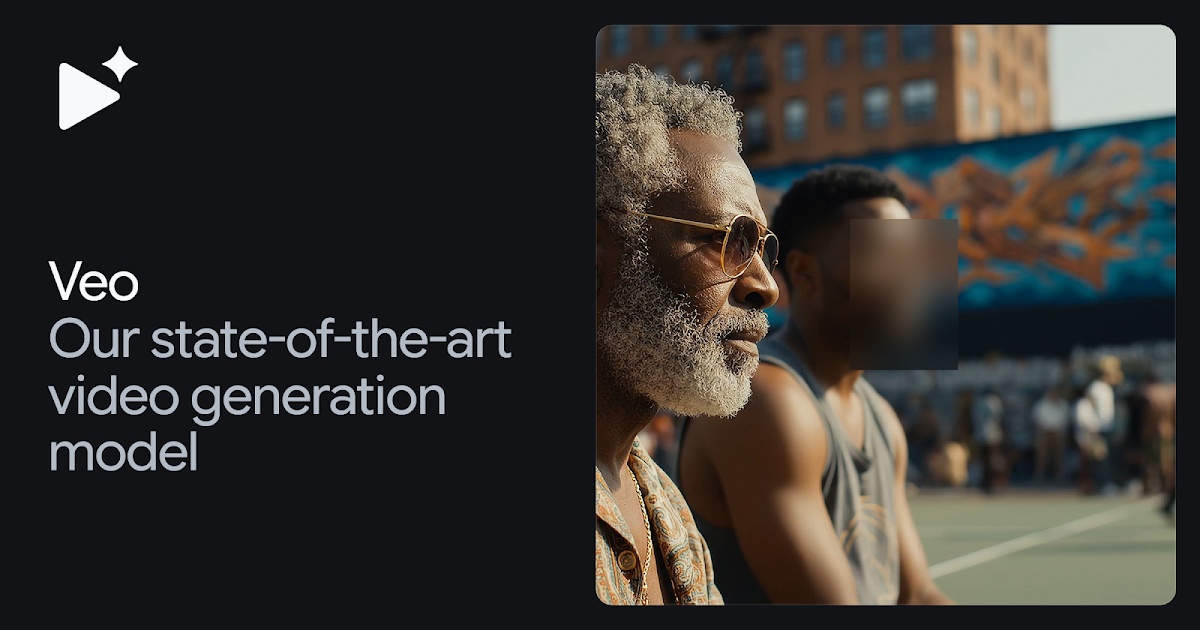
With Veo 3.1, your creative ideas really come alive. It's not just about making videos; it's about building experiences that pull you right in. As Google states, "Veo 3.1 is engineered to meet the demands of real-world applications... delivering enhanced realism, better prompt adherence, and richer native audio". It further "lets you add sound effects, background noise, and even conversations to your videos – it makes all the sound right there" (Google AI Studio). From what I've seen, it creates 'top-notch quality, doing great with how things move, how real they look, and how well it follows your instructions' (Google AI Studio).
Think about this instruction: "A medium shot frames an old sailor, his knitted blue sailor hat casting a shadow over his eyes, a thick grey beard obscuring his chin. He holds his pipe in one hand, gesturing with it towards the churning, grey sea beyond the ship's railing. 'This ocean, it's a force, a wild, untamed might. And she commands your awe, with every breaking light'". Veo 3.1 doesn't just make the picture; it also creates what the sailor says and all the background sounds of the sea. It truly brings the whole scene to life!
Here's another cool example: imagine a 'wise old owl and a nervous badger.' Veo 3.1 can manage really detailed sounds, like 'wings flapping, birds singing, the sound of a nice wind, buzzing noises now and then, twigs snapping, and croaking. Plus, a light, happy orchestra playing with woodwinds, full of innocent curiosity.' The way it creates such detailed sounds right inside the video is truly amazing.
This super advanced video making works perfectly with Gemini's ability to understand all kinds of information. Gemini is so good, it performs like a 'human expert on tough exams' (arXiv, Dec 2023). This means it can really grasp complicated instructions, making sure Veo 3.1 gets all the rich details it needs to create truly clear and awesome videos and sounds. We talked more about how Google makes sure its AI videos are consistent and easy to control in our detailed article on Veo 3.1's 'Ingredients to Video'.

Industry Spotlight: Real-World Creative AI with Veo 3.1
Leading the charge in applying Veo 3.1 for creative endeavors, Promise Studios, a GenAI movie studio, has integrated Veo 3.1 into its MUSE Platform. They utilize it to enhance generative storyboarding and previsualization, enabling director-driven storytelling at production quality. This demonstrates how professional filmmakers are leveraging these advanced AI tools for actual production work, streamlining creative workflows and bringing visions to life with unprecedented efficiency.
Our Advanced Creative AI Project: The Chrononaut's Tale
To truly grasp the power of Veo 3.1 and Gemini API, let's dive into a multi-step creative project: "The Chrononaut's Tale." This project aims to generate a short narrative video featuring a consistent character across several distinct scenes, demonstrating advanced usage of Veo 3.1's reference_images for character consistency and video_extension for narrative flow, complemented by Gemini for narrative generation.
Project Objective:
To create a compelling, short animated narrative following a single character, "Elara, the Chrononaut," as she navigates through two vastly different historical periods, maintaining her visual identity and personality throughout.
Implementation Steps:
- Character Design with Reference Images: First, we use Gemini to generate a detailed description of Elara, focusing on her attire (e.g., a steampunk-inspired suit with brass goggles) and facial features. Then, we prepare 2-3 reference images of a character embodying this style. These images will be fed into Veo 3.1 to ensure Elara's consistent appearance.
- Scene 1: Ancient Library Discovery: Generate the first 8-second video clip of Elara in a dimly lit, ancient library, discovering an arcane scroll. The prompt will include details about the setting, Elara's action, and incorporate the reference images for her appearance.
- Scene Extension: Library Exploration: Extend the first video by another 7 seconds, showing Elara carefully unrolling the scroll and reacting with curiosity, maintaining visual and audio continuity from the previous segment. This leverages Veo 3.1's
video_extensioncapability. - Scene 2: Futuristic City Arrival: Generate a second, distinct 8-second scene of Elara materializing in a bustling, neon-lit futuristic city square. While a new scene, the same character reference images are used to ensure Elara is instantly recognizable.
- Gemini for Narrative Overlay: Finally, use Gemini API to generate a concise, evocative narrative voiceover or internal monologue for Elara, stitching together the emotional and contextual gaps between the visually distinct scenes, enhancing the storytelling.
Challenges and Solutions:
- Maintaining Character Consistency: The primary challenge is ensuring Elara looks the same across different generations and scenes. Solution: Rigorous use of
reference_imagesand precise textual descriptions in prompts. - Seamless Scene Transitions: While
video_extensionhelps within a scene, transitioning between vastly different settings requires careful prompt crafting for the new scene to feel narratively connected. Solution: Gemini's narrative generation bridges these visual gaps, and careful editing can smooth visual cuts. - Complex Prompt Engineering: Combining character details, actions, settings, and cinematic styles requires iterative prompt refinement. Solution: Leverage Gemini's ability to refine and expand initial prompt ideas.
Hypothetical Video Outputs:


This project highlights how combining Veo 3.1's advanced video generation capabilities with Gemini's multimodal understanding can unlock truly complex and creative storytelling possibilities.
Quick Look at Performance: Different AI Models and How Much They Cost
When you're using AI, it's super important to know about the different types of models and what they'll cost you. Google's Gemini family has a bunch of models, and each one is made to work best for different tasks:
- Gemini 3.1 Pro: This is 'Our smartest model, the best globally for understanding all kinds of information, built with super advanced thinking' (Google AI Studio). It's perfect for really tricky thinking tasks where you need things to be super accurate and deep.
- Gemini 3 Flash: This one gives you 'top-tier performance that's almost as good as bigger models, but costs way less' (Google AI Studio). It's great for apps that need to be fast and efficient without losing too much quality. If you want to know more about how this model works in real-time and what you might give up, check out our article on Gemini 3.1 Flash Live.
- Gemini 3.1 Flash-Lite: This is a 'hard-working model for lots of tasks where cost is key, offering the same great performance and quality as the Gemini 3 family' (Google AI Studio). It's best when you need to process a huge amount of stuff cheaply.
Here's a quick comparison:
| Model | Smartness/Ability (Estimated Score) | Cost (for 1 Million 'Tokens') | Memory Span ('Tokens') |
|---|---|---|---|
| Gemini 3.1 Pro | ~90%+ (Like a Human Expert) | 1.0x | 1M+ |
| Gemini 3 Flash | ~85%+ (Top-Tier) | 0.2x | 1M+ |
| Gemini 3.1 Flash-Lite | ~80%+ (Really Good Quality) | 0.1x | 500K+ |
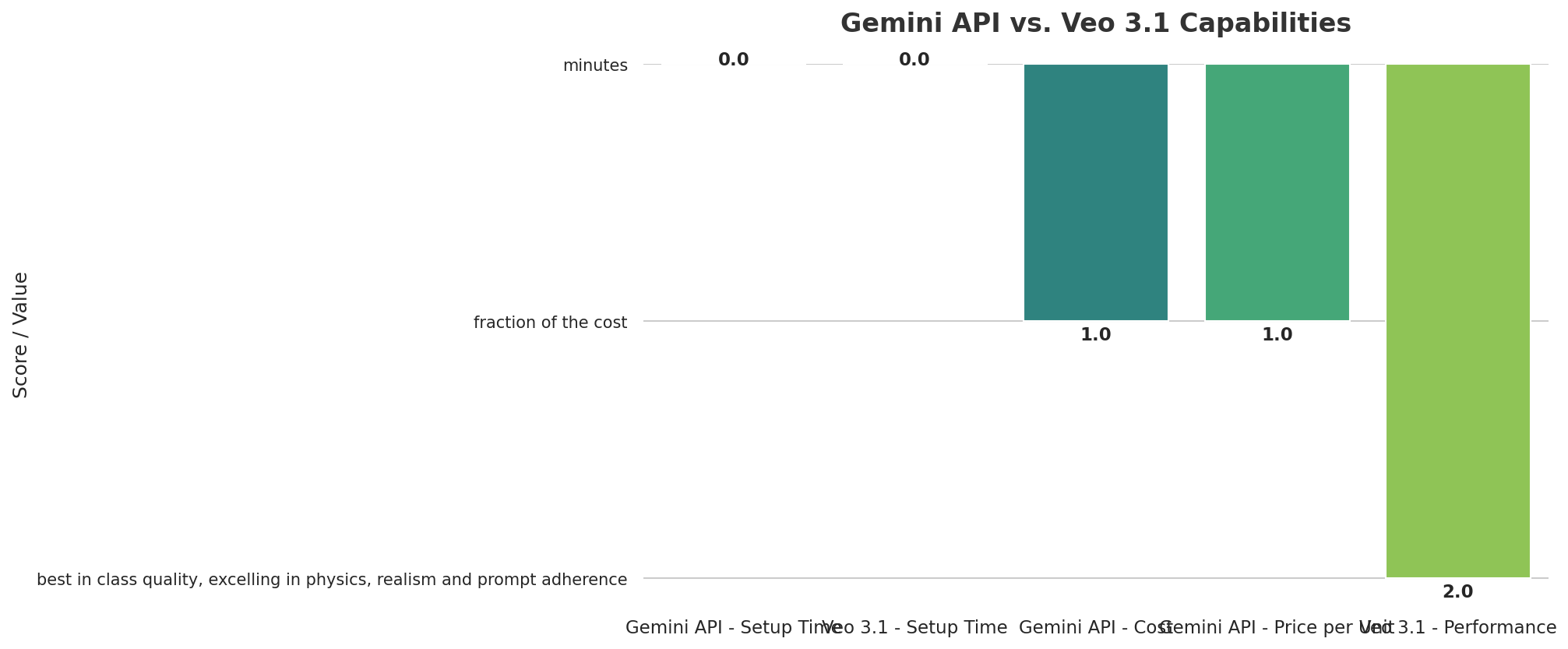
Good news! Tools like CometAPI can help you save even more money. Their 'Smart Routing System,' 'Worldwide Setup,' and 'Bulk Buying Power' let them give you really good prices, often much cheaper than if you went straight to the AI providers. Plus, they even have a free trial and a free API key, so you can try things out easily without spending any money right away.
What Everyone's Talking About: Making Connections Easy and Keeping Your Data Safe
Look, Veo 3.1 and Gemini are incredibly powerful, no doubt about it. But I've seen that many people who build with AI often hit the same wall when trying to connect them. It's super complicated to 'juggle different vendors' – meaning you have to handle many different AI connections, login methods, and usage limits from various companies. This can be a huge problem! That's why having a 'single AI connection for OpenAI, Claude, Gemini, and more' is so important. It really solves a big headache for creators who just want things to work smoothly.
Also, a big worry for everyone is keeping your data safe. When you send private information to different AI models, it's super important to know what could happen. CometAPI, for example, stresses 'Your Job as a Client' (meaning you should hide sensitive data) and gives a 'CometAPI Promise' (they won't store or record your data). But wait, there's a catch: always remember the 'Heads Up About Other Companies' – you need to know what the original AI provider (like Google) does with your data. Experts also point out that it's important to 'use Gemini models responsibly' (arXiv, Dec 2023), which just means we all share the job of using AI wisely.
Another Way to Look At It: Why a Single AI Connection Is So Good
If you really want to make your AI projects smoother and faster, CometAPI offers a fantastic option. It's built to be a strong central point for handling many different AI models. This includes not just Veo 3.1 and Gemini, but also 'Sora 2, Veo 3.1, and Kling 2.5' for making videos, and 'Nano Banana Pro, GPT-4O Image, and Flux 2 API' for creating images. This 'all-in-one' way of doing things makes connecting to AIs much simpler, letting you switch between models with hardly any changes to your code.
But CometAPI does more than just simple connections. It also has powerful tools like 'built-in ways to test and compare, visual displays of answers, and reports on how you're using it.' This means you can easily see how different AI models perform and what they create, side-by-side. This helps you make smart choices for your projects. Think of it as having a master control panel for all your AI tools.
Setting up CometAPI is designed to be quick and easy. Here's a glimpse:
# CometAPI setup example (hypothetical, based on common API setups)
# Replace with actual CometAPI setup instructions
export COMET_API_KEY="your_comet_api_key"
cometapi init
curl -fsSL https://raw.githubusercontent.com/cometapi-dev/integrations/main/openclaw/setup.sh | shAnd a Python example demonstrating its ease of use:
# CometAPI Python example (hypothetical)
import cometapi
client = cometapi.Client(api_key="your_comet_api_key")
response = client.generate_content(
    model="gemini-3-flash-preview", # Or 'veo-3-1', 'sora-2', etc.
    prompt="Generate a short video of a cat playing with a laser pointer."
)
print(response.video_url)
importopenai
client=openai.OpenAI(api_key="your-api-key",base_url="https://api.cometapi.com/v1")response=client.chat.completions.create(model="gpt-4",messages=[{"role":"user","content":"Hello!"}])print(response.choices[0].message.content)This way of doing things really cuts down on all the repetitive code you have to write and makes it much less mentally taxing to handle many different AI tools from various companies.
A Handy Tip & What I Suggest You Do Next
My best advice for anyone excited to jump into Veo 3.1 and the Gemini API is super simple: just start trying things out, and begin with something small. Don't get stuck in endless discussions about theories. Instead, 'follow our Quickstart guide to grab an API key and make your very first AI request in just minutes' for Gemini (Google AI Studio).
Also, make good use of CometAPI's 'free trial' and 'free API key' to quickly build test versions and compare different AI models. This lets you try out various models for your unique creative ideas without having to commit any money. I really suggest you start with real, hands-on projects to truly understand the tricky parts of writing good instructions for both video and mixed-media AI. Remember, the best way to learn is by actually doing it!
fromgoogleimportgenaiclient=genai.Client()response=client.models.generate_content(model="gemini-3-flash-preview",contents="Explain how AI works in a few words",)print(response.text)Who is this Guide for?
This guide is for you, the Creative Tech Wiz or AI Builder, who wants to stop just reading about AI and actually create something amazing. If you're eager to turn your creative ideas into reality using the latest AI for videos and content that mixes different types of media, and you want hands-on, code-based ways to handle tricky AI connections, then this guide is definitely for you. Whether you're just doing it for fun and want to make awesome visuals, or you're a developer building the next big apps, the tips here will help you unleash incredible creative power.
Frequently Asked Questions
-
With Veo 3.1 and Gemini being so powerful, how can I make sure the stuff my AI creates still feels real and special?
To make your AI content feel real, you need to be really smart about how you give instructions (that's 'prompt engineering'). Keep tweaking and improving, and always add your own unique creative touch. Focus on tiny details, feelings, and story elements in your instructions. Think of AI as your helper, not someone who takes over. And always add a human touch when you're finishing up or planning your ideas.
-
Is it really cheaper and safer to use one connection like CometAPI instead of linking directly to Google's AI tools?
Yes, unified connections can save you money because they use clever ways to send your requests and buy AI access in bulk, which can lower your total costs. For safety, they usually keep all your connection keys in one place and promise not to record your data. But wait, it's super important to always check what the unified API company does with your data, and also understand what the original AI provider (like Google) says about data. This way, you'll be fully sure about security.
-
What are the real-world problems or common mistakes I should watch out for when using Veo 3.1 for videos and Gemini to understand different types of media?
Common mistakes include dealing with how many requests you can send to the AI at once, making sure your data stays the same between different AI models, and handling possible delays in complicated projects. Writing good instructions for AI that creates both video and sound can be tough, as you need to be very specific about what you want to see and hear. My advice? Start with small, simple projects to get a feel for the details, then slowly make them bigger.
Sources & References
- Gemini API | Google AI for Developers
- 404 | Page Not Found | Google AI for Developers
- Page not found - Google Developers Blog
- 404 | Page Not Found | Google Cloud Documentation
- Veo — Google DeepMind
- 404 | Page Not Found | Google AI for Developers
- [2312.11805] Gemini: A Family of Highly Capable Multimodal Models
- [2509.00000] Article identifier not recognized
- 2024 5th Information Communication Technologies Conference (ICTC) - Conference Table of Contents | IEEE Xplore
- Medium
- Medium
- Page not found - Julian Goldie
- 404 | Page Not Found | Google AI for Developers
- One API Access 500+ AI Models - CometAPI
- Page not found - Skywork
- Veo 3 API limits?

Yousef S. | Latest AI
AI Automation Specialist & Tech EditorSpecializing in enterprise AI implementation and ROI analysis. With over 5 years of experience in deploying conversational AI, Yousef provides hands-on insights into what works in the real world.




