
The 2026 Guide to Overdub: Mastering AI Voice Cloning Without the Creep Factor
Voice cloning is no longer just a fun party trick or a boring chore. It’s now a fast, high-quality tool that sounds exactly like a real person. But here’s the catch: while the tech is amazing, we’re still figuring out how to use it safely. Descript says your AI clone will sound just like you, but some studies show people might actually trust your digital twin more than the real you. Here is how to use that power without losing your personal touch.
Quick 5-Step Action Plan
- Step 1: Open Descript and go to the "Drive" view.
- Step 2: Click "Overdub" and record a quick 30-second security statement.
- Step 3: Upload 10+ minutes of clear audio from the place you usually record (like your office or home setup).
- Step 4: Wait for the AI to create your clone—you don't even have to read a script anymore.
- Step 5: Use the "Studio Sound" tool to make the AI voice blend perfectly with your real recordings.
Table of Contents
- Descript Overdub: What They Promise vs. What You Get
- Voice Cloning in 2026: No More Long Scripts
- The Limits: Word Caps and Sound Quality
- Does It Sound Too Real? The Big Debate
- Can People Tell? Why the Gap is Closing
- What People Are Saying: Ethics and Safety
- How to Use It Like a Pro: Managing Your Voices
- The Verdict: Is the Pro Plan Worth It?
Descript Overdub: What They Promise vs. What You Get
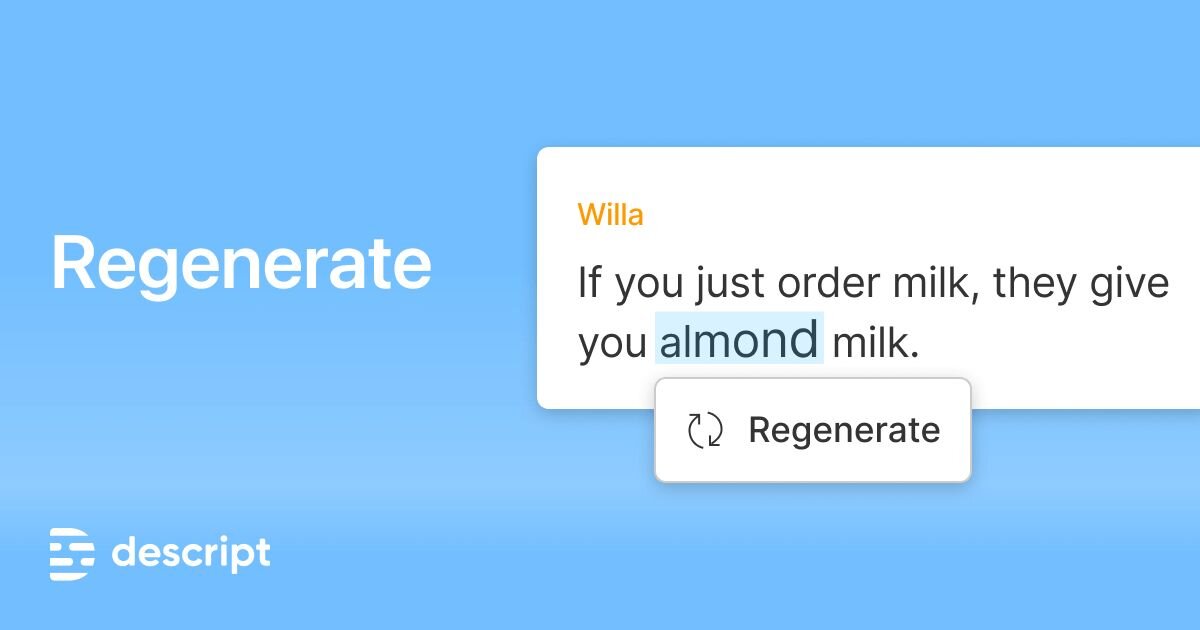
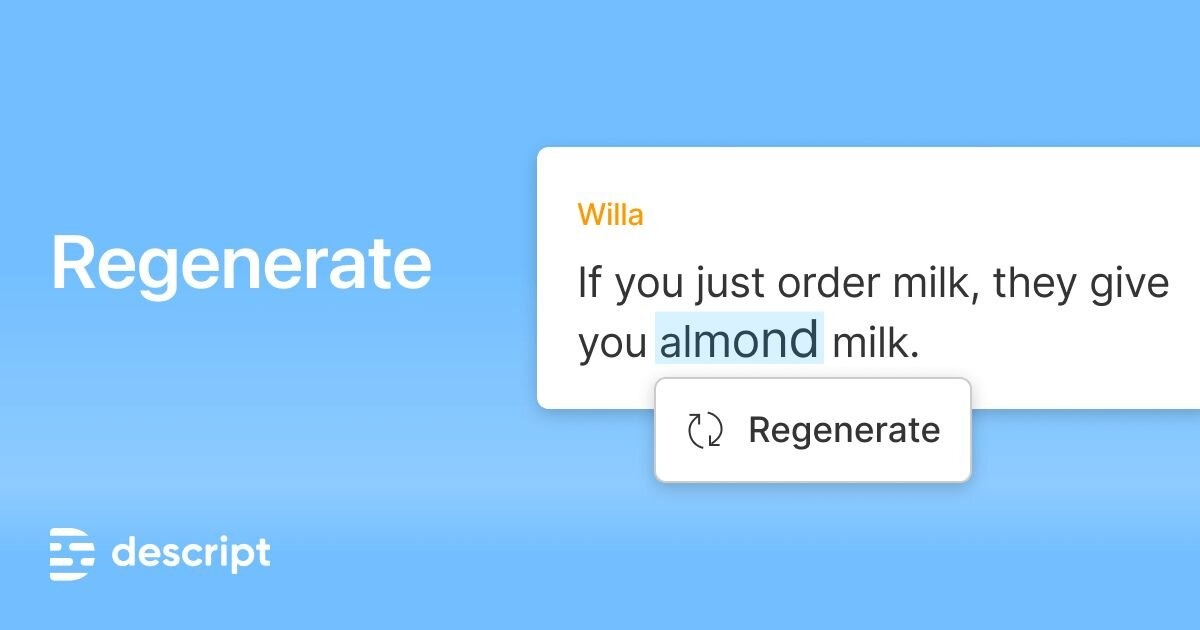
Descript says Overdub is just a simple tool to fix your audio by typing. But honestly? It’s a full-blown voice creator. I’ve been looking into the latest updates, and the move to "Voice ID" is a total game-changer if you hate re-recording your lines. It’s not about faking who you are; it’s about fixing mistakes quickly so you can get on with your day.
Watch the Video Summary
Voice Cloning in 2026: No More Long Scripts
Remember when you had to sit in a booth for 30 minutes reading a dry script to train an AI? Those days are gone. Descript now uses a quick "Voice ID" statement. It’s faster, but it’s also about safety. It makes sure nobody can steal your voice. This is a big deal because AI scams are getting smarter, and this security layer helps keep your identity safe.
The best part? If you use the Pro version, you can make as many voices as you want. Think about it: you don't sound the same on a fancy studio mic as you do on a laptop in a coffee shop. By making a "Zoom Voice" and a "Studio Voice," your edits will sound perfectly natural and won't stick out (Descript Official Docs, 2026).
The technology is moving fast. In 2026, we've seen major updates like ElevenLabs v3, which introduces 'Voice Design' to create entirely new voices by blending attributes, and Resemble AI's Rapid Voice Clone 2.0, which reduces cloning time to under 60 seconds while improving emotional range. These advancements are pushing the boundaries of what's possible, moving beyond simple fixes to full-scale creative production.
The Limits: Word Caps and Sound Quality
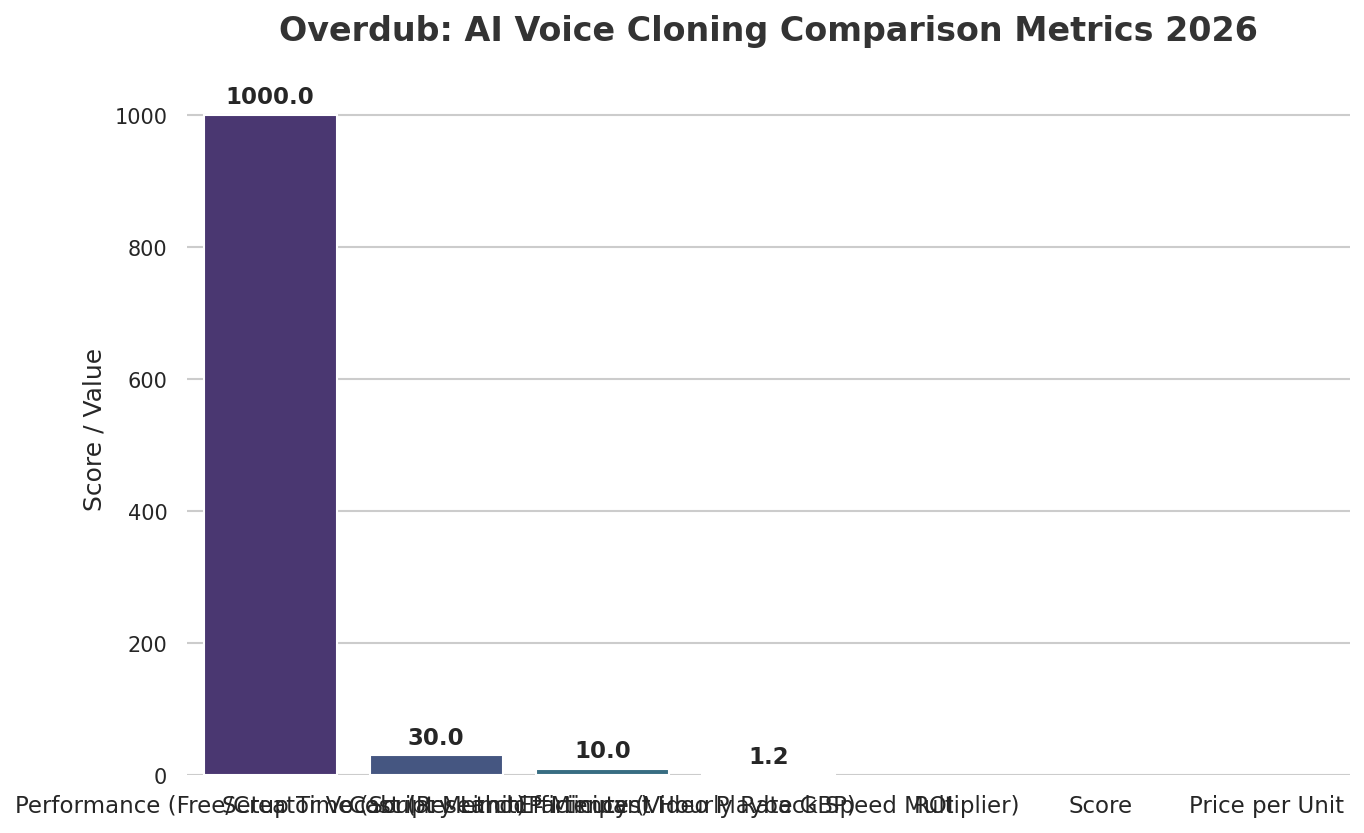
Here’s the deal: not every AI voice is the same. If you’re using the free version, you can only use 1,000 common words. If you try to use a rare or technical word, the system just won't work. For real work, the Pro version is the only way to go because it has no word limits.
To make the AI sound even better, Descript added a tool called "Studio Sound." It’s like a magic button that cleans up background noise and makes everything sound professional. It’s like having a sound expert helping you out right inside the app.
| Feature | Free/Creator Plan | Pro Plan |
|---|---|---|
| Word Limit | 1,000 Common Words | Unlimited |
| Setup Time | ~30 Minutes | Under 2 Minutes |
| Number of Voices | 1 Voice | Unlimited Voices |
| Use Case | Descript Overdub | ElevenLabs | Resemble AI |
|---|---|---|---|
| Editing Existing Audio | Excellent (seamless integration with editor) | Good (requires import/export) | Fair (best for new generation) |
| Long-form Narration | Good (Pro plan required for unlimited words) | Excellent (designed for text-to-speech) | Good (high quality, but higher cost) |
| Real-time Applications | Fair (not designed for real-time) | Good (API available) | Excellent (specializes in real-time integration) |
Does It Sound Too Real? The Big Debate
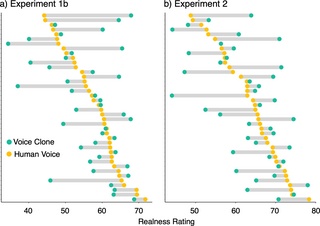
While the tech sounds great to us, experts say it’s not 100% perfect yet. But here’s something interesting: research shows that AI voices often sound more confident and reliable than real people.
This is a bit of a double-edged sword. People might actually trust your AI voice more than your real one! That’s great for sounding like an authority, but it can feel a little weird for personal connection. Use this "confidence boost" sparingly in your edits.
Can People Tell? Why the Gap is Closing
The gap between "Real" and "AI" is closing so fast that most people can't tell the difference anymore. Studies show that listeners usually can't pick out which voice is the clone. This means your edits will blend in perfectly 99% of the time, and your audience will never know you fixed a mistake.
What People Are Saying: Ethics and Safety
People are talking, and it’s not all good news. A lot of people are starting to use AI for everything, which some call "vibe coding." But there are big worries about people using this tech for bad things, like fake phone calls.
On sites like Reddit, people are split. Some love how fast it is, while others worry that if everything is perfectly edited, it won't feel "real" anymore. Descript’s safety checks—requiring you to record a live statement—are currently the best way to keep things honest and prevent people from stealing voices.
How to Use It Like a Pro: Managing Your Voices
To get the most out of this in 2026, don't just make one voice. I recommend making a different one for every place you record. While Overdub is great for fixing words, other tools like Audiio Voices are better for reading long scripts from scratch.
Pro Tip: Go to your "Drive" view and start a new profile for each setup. Label them clearly, like "Home Office" or "Coffee Shop." When you need to fix a word, just pick the right voice. This makes the fix invisible because the background noise and mic quality match perfectly.
The Verdict: Is the Pro Plan Worth It?
If you make content for a living, the answer is a resounding yes. The 1,000-word limit on the free plan will slow you down way too much for any video longer than 5 minutes. In 2026, Overdub has made high-quality voice cloning easy for everyone. It’s the ultimate safety net for your projects, as long as you use it responsibly and respect people's privacy.

Beyond the Basics: Advanced Applications and Ethical Frontiers
While Overdub excels at fixing audio, the broader AI voice cloning landscape offers more advanced applications. One key area is **real-time localization**. Global content creators can now translate their videos into multiple languages, using their own cloned voice to maintain brand consistency across different markets. Another powerful use case is **accessibility**, where individuals with speech impairments can create a personalized AI voice to communicate in real-time, giving them a unique digital identity.
However, these advancements bring significant ethical challenges. The rise of sophisticated deepfake audio poses a serious threat to political integrity and personal identity. Unlike simple scams, these deepfakes can be used to create highly convincing disinformation campaigns or to impersonate individuals for malicious purposes. This highlights the critical need for robust security measures like Descript's Voice ID, which verifies identity before cloning.
Frequently Asked Questions
Does using Overdub make my content feel less authentic?
Not if you use it to fix mistakes. It’s meant to repair verbal slips or missing words. When used correctly, it keeps the story moving without the listener ever noticing a fix was made.
How do I stop it from sounding weird?
The key is matching your environment. Use the "Voice ID" feature to create different clones for your home studio and your mobile setup. This ensures the background noise and mic quality match the rest of your audio.
Is the Voice ID security actually safe?
While nothing is 100% unhackable, Descript’s system is much harder to trick than others because it requires you to record a specific, live statement.
Sources & References
- AI-powered audio repair | Regenerate audio to make impossible edits possible
- Overdub: AI Voice Cloning Made Easy in 2026
- Voice clones sound realistic but not (yet) hyperrealistic | PLOS One
- People are poorly equipped to detect AI-powered voice clones - PMC
- The rising influence of AI-driven voice cloning | Deepdub
- I cloned my voice with AI…. Who Said That? AI Clones, Fake Tones | Medium
- This Will Clone Your Voice! - Descript Overdub Review - YouTube
- I cloned my voice with AI and my mother couldn’t tell the difference
- Descript Overdub Review 2026 - Brutally Honest Before You Buy
- The 10 Best Voice Cloning Tools in 2025 (Tested & Compared) | Kukarella
- Expert speaks on research of AI voice cloning - YouTube

Yousef S. | Latest AI
AI Automation Specialist & Tech EditorSpecializing in enterprise AI implementation and ROI analysis. With over 5 years of experience in deploying conversational AI, Yousef provides hands-on insights into what works in the real world. He previously led a team at a major audio technology firm developing real-time voice synthesis models.




