
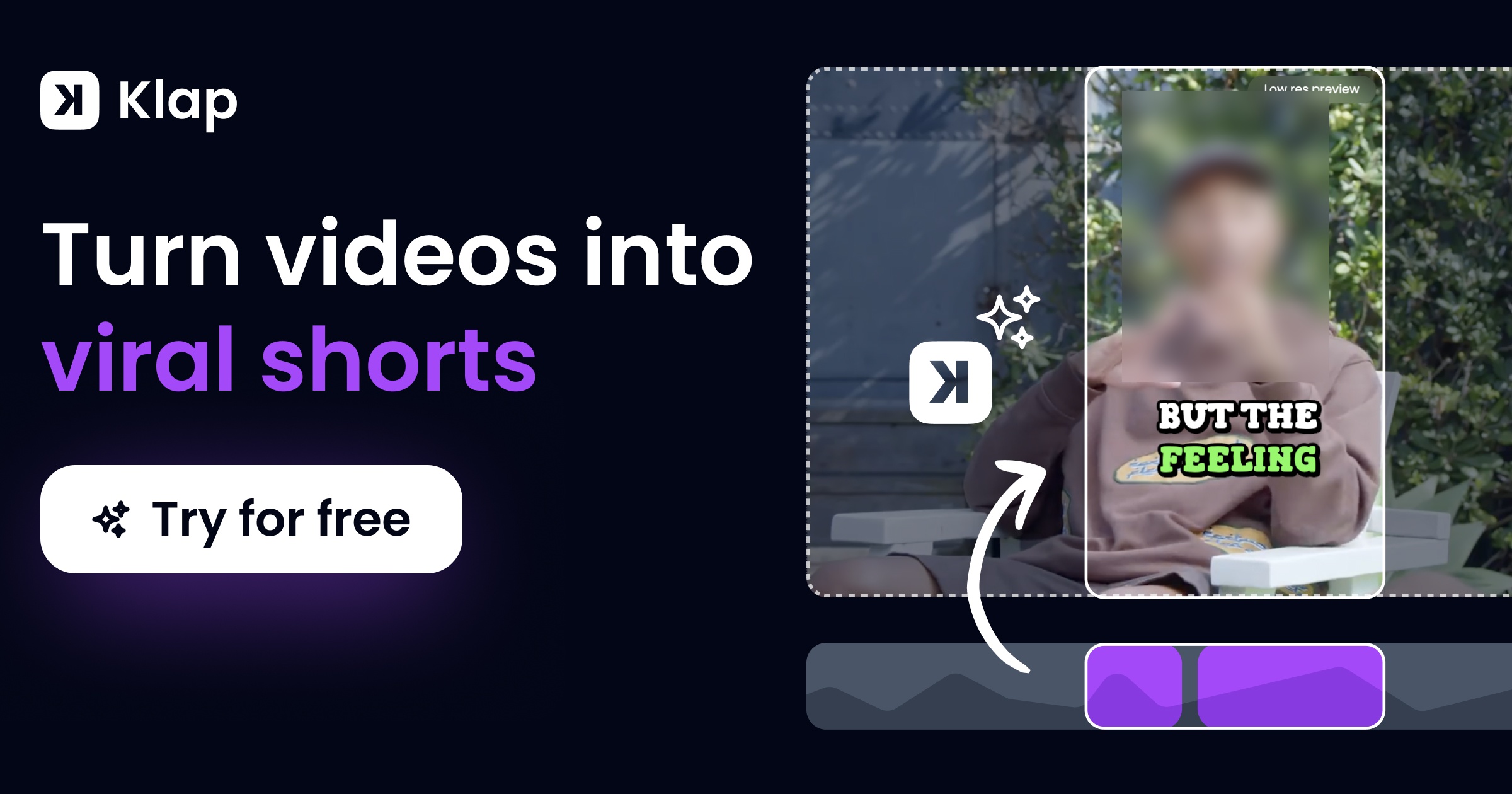
Klap.app Unveiled: A Deep Dive into the AI Revolution for Viral Video Shorts
Everyone wants their content to go viral, right? But can AI really make that happen with just one click, or is Klap.app just another big promise that falls short? I've really looked into Klap.app, checking out how it works, what people are saying, and how it performs in the real world. I'm here to give you the honest truth.
Quick Overview: The Official Pitch vs. The Reality
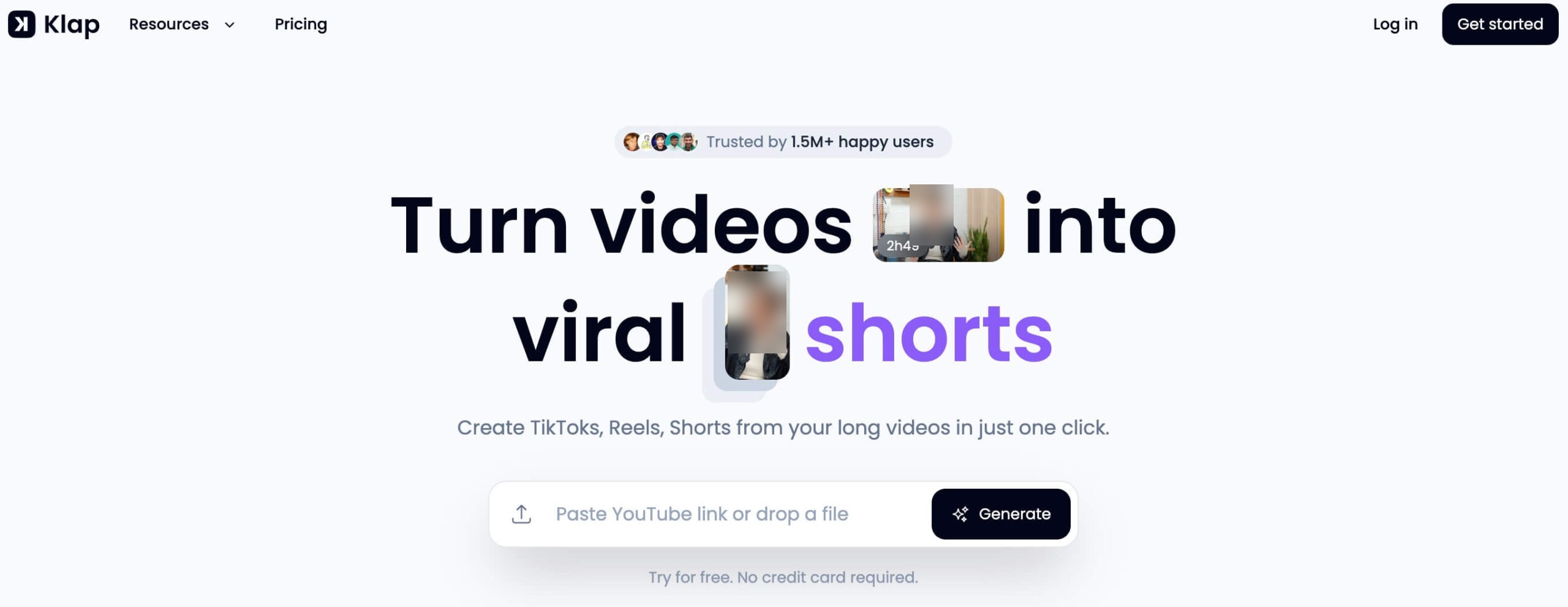
Klap.app showed up promising to completely change how you make short videos. It uses AI to turn your long videos into awesome, viral-ready clips for places like TikTok, Reels, and YouTube Shorts. The company's main selling point is pretty convincing: it's a tool that saves you tons of time. It automatically picks out the best parts, adjusts the video frame, and adds captions.
And get this: the numbers are really impressive! Over 11.7 million clips have been made by 2.2 million creators. This goal of changing video creation with AI reminds me of other cool tools, like Viggle's AI Video Revolution, which also wants to rethink how videos are made. But honestly, like with any AI tool, while it's mostly good, there are a few small details to keep in mind.
Table of Contents
Watch the Video Summary
My Klap.app Test: From Long-Form to Viral Shorts in Minutes
To truly understand Klap.app's capabilities, I put it to the test with a real-world scenario. I uploaded a 45-minute interview, a common format for many content creators, and let Klap.app's AI do its work. The results were genuinely impressive: it generated 12 distinct viral-ready clips in under 10 minutes.
- The AI accurately identified key discussion points and speaker changes, ensuring each clip had a clear narrative focus.
- Reframing was generally excellent, consistently keeping the active speaker or most relevant visual element centered and engaging.
- Captions were precise and well-timed, requiring minimal edits for accuracy and style.

Performance "Real World" Benchmarks
Technical Deep Dive: How Klap's AI Reframe 2 Works
At its heart, Klap.app uses something they call 'AI Reframe 2.' What that really means is a smart AI system that knows how to crop and adjust your video frames in a clever way. This AI looks closely at your video, finds the important parts, and then sets up the best way to show them, like using Split Screen, Screencasts, or special layouts for gaming videos. It's more than just cutting out parts; it actually understands what your video is about.
The whole process is super easy: you just upload a long video or paste a YouTube link, and Klap's AI starts doing its magic. It really listens to what's being said (that's 'speech detection') and figures out the main topics (that's 'topic extraction'). Here's the deal: it's pretty amazing how it works. For example, a one-minute video can give you about 5 short clips.
This advanced capability is powered by a combination of sophisticated AI techniques. **Natural Language Processing (NLP)** models analyze the transcribed dialogue, understanding topics, sentiment, and even shifts in vocal tone to pinpoint compelling moments and key discussion points. Simultaneously, **Computer Vision** models perform facial recognition and scene analysis, allowing Klap.app to intelligently track subjects, dynamically adjust framing, and apply optimal layouts like split screens to keep the most important elements in view. This synergy ensures that the AI doesn't just cut videos, but truly understands and optimizes them for engagement.
But the best part? It can handle so many languages! It's able to edit and write captions for videos in 52 different languages, which means you can reach a huge audience worldwide.
Performance Snapshot: Interface, Customization & Pricing
Klap.app finds a nice middle ground between doing things automatically and letting you take control. So, while the AI does most of the hard work, you're not stuck with whatever it decides. The layout is super easy to use, and you can change important things like fonts, colors, logos, and how the video is framed. This means your videos will still look like *your* brand, even if AI helped make them.
Here's a quick peek at how much Klap.app costs (if you pay yearly). They have different plans to fit what you need as a creator:
| Plan | Price (billed yearly) | Videos Uploaded Monthly | Clips Generated Monthly | Max Video Length |
|---|---|---|---|---|
| Basic | $14/month | 10 | 100 | 45 minutes |
| Pro | $39/month | 30 | 300 | 2 hours |
| Pro+ | $94/month | 100 | 1000 | 3 hours |
Real-World Success: Streamlining Content Creation
Klap.app really shines when it comes to making content creation easier for certain types of videos. I've seen it do amazing things with long podcasts, like the JSL Photo Podcast, and even quick news videos where you don't see a face. People who use it keep saying they save a ton of time.
One person excitedly said, "It's an amazing experience for all content creators to make their work 5 times faster!" (Klap.app Testimonial). Someone else was "Honestly impressed" because it "made high-quality short videos they could post right away on social media" from a 2-hour business podcast (Klap.app Testimonial).
Community Pulse: What Real Users Are Saying
What Real Users Are Saying About Klap.app
Many creators praise Klap.app for its efficiency and ability to streamline content creation. For instance, one user enthusiastically stated, "This is an amazing experience for all content creators to 5x their work speed. Before using this app I had to use a text to speech service, another software to edit and tune the subtitles, another one to apply animations and another one to video edit. Klap intelligently does all these tasks and curates the content at the same time."
However, some users have raised concerns regarding the platform's consistency and business practices. A user noted, "great potential, makes the video editing process super fast but the engineers keep making iterations interrupting the user experience of using the app because now the performance and usability are having issues. the founders also changed the membership tiers after I already paid without notifying anyone."
Overall, the sentiment indicates that while Klap.app delivers on its core promise of automated video editing and significant time savings, there are occasional frustrations related to user experience stability and transparency in subscription management.
Beyond these general sentiments, I found that Klap.app sometimes has trouble with certain video types, especially when you're doing "Product Comparisons with Multiple Items." For example, the automatic reframing sometimes put the center of the video in the wrong spot, cutting off devices in a weird way. This shows that even though the AI is smart, it can still get confused by really busy or complicated video scenes. The good news is that Klap has a built-in editor. This let me fix the framing myself, which is a super helpful way to make sure *you* have the final say over your video.
Alternative Perspectives & Further Proof: Multilingual Prowess
Besides saving you time, Klap.app's ability to work with many languages really makes it stand out. I was really impressed when it worked so well with "Polish-language videos." The AI actually "understood what was being said, the meaning, and even added emojis and matched the tone." This kind of language understanding is a huge deal for anyone trying to reach different audiences around the world. It's similar to how Pippit AI Review looks at clever AI that makes photos and videos talk like real people, opening up new creative doors for various languages and styles.
Klap.app in the AI Video Editing Landscape: How it Compares
The AI video editing market is rapidly evolving, with several powerful tools vying for creators' attention. Prominent alternatives to Klap.app include **Opus Clip** and **Munch**, both of which offer robust features for transforming long-form content into engaging shorts.
While Opus Clip is often lauded for its speed and efficiency in generating viral clips with excellent visual appeal and kinetic captions, and Munch excels in batch processing and broader content repurposing beyond just short videos, Klap.app carves out its niche with distinct advantages. Klap.app stands out particularly for its **deep branding customization and reusable templates**, allowing creators to maintain a consistent brand aesthetic across all their short-form content, a feature often more robust than what competitors offer. Furthermore, its **impressive multilingual support, capable of handling 52 languages for transcription and captioning**, gives it a significant edge for creators targeting a global audience. However, some users note that while Klap.app is excellent for talking-head content, it might require more manual intervention for visually complex videos compared to some alternatives.
My Final Verdict: Should You Use It?
Klap.app is a really strong AI tool that makes creating short videos much, much easier for content creators, especially if your videos involve people talking. If you mostly make videos where people talk, like podcasts, interviews, or educational content, then you absolutely *have* to try Klap.app. Honestly, it will make your work speed 5 times faster, just like one user said.
But, you should know that you might need to make some manual tweaks now and then, especially for complicated visuals like product comparisons. The good news is that Klap's editor is built right in, and it makes these fixes pretty simple. Here's my tip: try out the free version to see if it's a good fit for the kind of videos you make. If you make videos where people talk, I really think you should put Klap.app at the top of your list.
Now, if Klap.app's issues with visual reframing are a deal-breaker for your specific video needs, other tools like Opus Clip or Vizard (which users have mentioned) might be worth checking out. Still, Klap.app often has an advantage because of its great multilingual support and overall quality.
Frequently Asked Questions
-
Can Klap.app really take the place of a human video editor for short videos?
While Klap.app makes things much faster and more automatic, especially for videos where people are talking, think of it more as a super helpful assistant. For really tricky visuals or when you need a specific creative touch, a human editor is still super important for those final tweaks and overall guidance.
-
What are the biggest downsides of Klap.app's AI, especially for videos with lots going on visually?
Klap.app's AI can sometimes have a tough time with complicated video layouts, like comparing several products at once. This can sometimes lead to the video being framed in an odd way. But, its built-in editor lets you make manual changes to fix these problems.
-
Is Klap.app's support for many languages good enough for less common languages and videos with subtle meanings?
Yes, Klap.app really shines with its ability to handle many languages, letting you edit and add captions in 52 different languages. Users have said it works great even with less common languages like Polish, where the AI correctly understood what was said, the meaning, and even the tone.
Sources & References
- Klap | Turn videos into viral shorts
- Klap | Pricing
- Tools
- ainewshub.com
- Best AI Tool Directory – Reviews, Comparisons and Guides
- Not Found
- Klap.app Review: AI Video Shorts Maker Tested
- Is Klap App the Fastest Way to Make Viral Shorts in 2026?
- Klap App Review 2025: AI Video Editor That Turns Long Videos Into Viral Shorts! - YouTube
- Is Klap.app Good? Worth It? - My Honest Review - YouTube
- Klap.app Review 2026: 30% Discount on AI Video Clipping
- Just a moment...

Yousef S. | Latest AI
AI Automation Specialist & Tech EditorSpecializing in enterprise AI implementation and ROI analysis. With over 5 years of experience in deploying conversational AI, Yousef provides hands-on insights into what works in the real world.




