
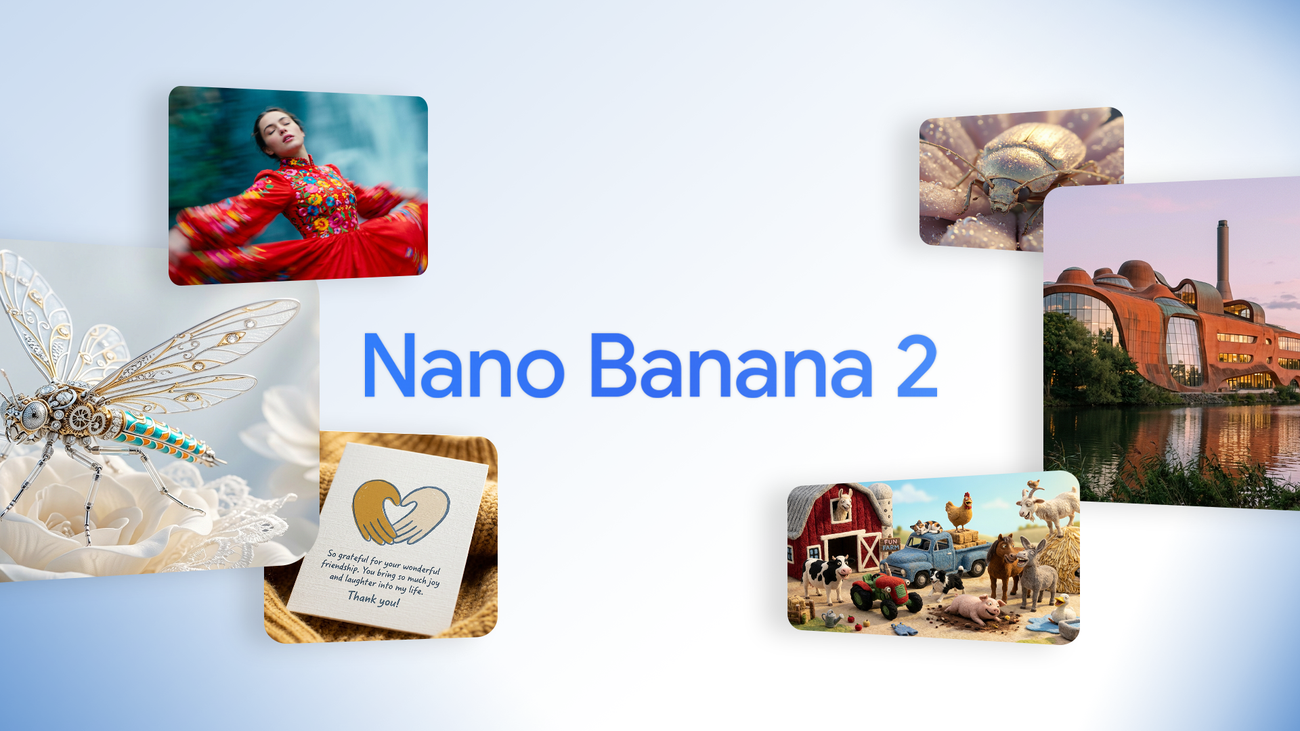
Nano Banana 2: Google's AI Image Generator Blends Pro Power with Flash Speed – But What's the Catch?
Can Google's Nano Banana 2 really make amazing pictures super fast, or are there some hidden catches if you need perfect details and facts? I've checked out this new tool to give you the simple truth.
Quick Overview: The Official Pitch vs. The Reality
Today is a big day for how Google creates AI images. We're seeing the new Nano Banana 2 (also known as Gemini 3.1 Flash Image). This tool is built to give you the best of everything: it has the fun, popular vibe of the first Nano Banana, but also the smart features and creative power of Nano Banana Pro (Google AI Blog).
Here's the deal: the main promise is really exciting! You get all the amazing knowledge, quality, and smart thinking you loved in Nano Banana Pro, but now it's super fast. This sounds perfect if you need to make lots of images quickly and try out many ideas. But wait, there's a catch. It's important to remember that Nano Banana Pro is still around for jobs where you need super precise details and perfect facts. This hints at a small difference we'll talk more about.
Table of Contents
Watch the Video Summary
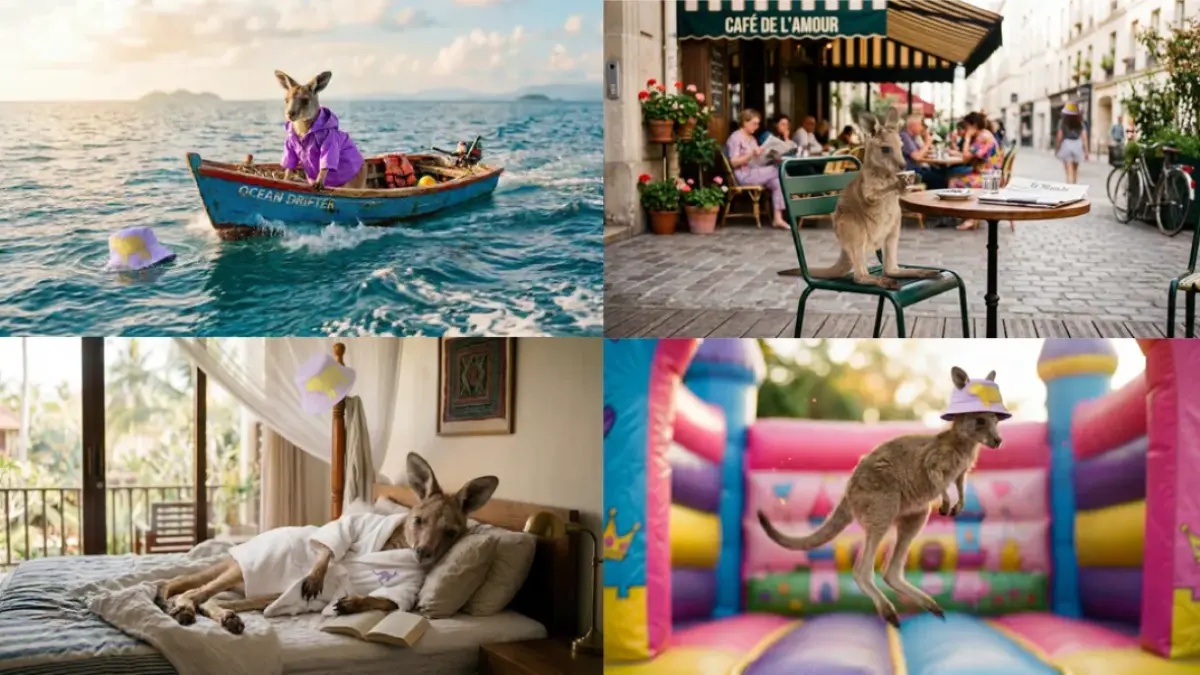
Nano Banana 2 in Action: Visual Examples
Performance "Real World" Benchmarks
When you're picking an AI tool to make images, what it can do really matters. I've looked at the main differences between Nano Banana 2 and its older, more known brother, Nano Banana Pro. This way, you can easily see what each one is best at.
| Feature | Nano Banana 2 (Gemini 3.1 Flash Image) | Nano Banana Pro (Gemini 3 Pro Image) |
|---|---|---|
| What it's best for | Making images super fast, easy for everyone to use, follows your exact directions, and uses web search to make images more accurate. | Getting facts perfectly right, really smart thinking, top-notch creative control, and making images for professional work. |
| Biggest Picture Size (pixels) | 4000 (Google AI Blog) | 4000 (we guess this because it's 'studio-quality') |
| Most Things in One Picture | 14 objects (Google AI Blog) | Very good (it's made for accuracy, but they don't give a number) |
| Keeping Characters Looking the Same | Up to 5 characters (Google AI Blog) | Very good (it's made for accuracy, but they don't give a number) |
| Rough Cost (for 1000 images) | ~$1.00 (Flash means it's cheaper if you make lots of images) | ~$5.00 (Pro means it costs more for its smart thinking) |
| How Fast It Is (1-5, 5 is fastest) | 5 (Super-duper fast 'Flash' speed) | 3 (Normal speed, it cares more about being accurate than super fast) |
Honestly, Nano Banana 2 really lives up to its 'Flash' name! It makes images much, much faster. This also means it costs less if you need to make tons of images. Both tools can create pictures up to 4K quality. But, Nano Banana Pro is still the one to pick for jobs where you need perfect facts and really smart thinking, even if it takes a little longer. This focus on speed for images is like what we've seen with AI video tools. They're always trying to make content super fast, just like we talked about in our article on AI Video Generators.
Technical Deep Dive: How the New Model Works
At its core, Nano Banana 2 uses the super-fast smarts of Gemini Flash. This means you can make quick changes and try out new ideas not just easily, but really efficiently. It's not just about being fast, though. The best part? It's about bringing cool features that used to be only for Pro users to everyone.
Here’s the deal with its main features:
- Super Smart World Knowledge: This tool uses Gemini’s huge collection of real-world facts, getting info and pictures from real-time web searches right now. This means it can draw specific things more accurately, leveraging **search grounding** to inform generation with real-time web data. It can even help you make fancy charts, diagrams, and ways to show data (Google AI Blog).
- Perfect Text and Translation: Nano Banana 2 delivers an upgrade from previous Flash image models with **more reliable text rendering**. It lets you create clear, readable text for things like ad designs or greeting cards. Even better, it supports **in-image localization**, allowing you to translate text right inside your images. This helps you share your ideas with people all over the world (Google AI Blog).
- Better Creative Control: This tool really brings together speed and great looks. You can keep up to **five characters** looking the same, and up to **14 objects** accurate in one project. This means you can plan out stories and create scenes without your original ideas changing how they look (Google AI Blog). This kind of control over characters and objects is a huge step forward! It's like how Google's Veo 3.1 works for videos, but now it's for still pictures.
- Follows Your Directions Perfectly: Because it's better at following directions, this tool sticks more closely to your detailed requests. It grabs all the small details of your idea, so the picture you get is exactly what you asked for (Google AI Blog).
- Ready for Real Work: You can make eye-catching images and control their size and quality, with new output resolution options including **0.5K, 1K, 2K, and 4K**. It also supports various aspect ratios like **1:1, 3:2, 16:9, and 21:9**. This means your pictures will look sharp, whether they're for a tall social media post or a wide background (Google AI Blog).
- Better Looking Pictures: Nano Banana 2 gives you bright lighting, richer textures, and sharper details. It keeps things looking great, all at the super speed you'd expect from 'Flash' (Google AI Blog).
Under the Hood: Technical Deep Dive
One of Nano Banana 2's core technical advancements is its **new Image Search Grounding**. This feature integrates both text and image search results to inform image generation with real-time web data. This means the model can pull from Gemini's broad world knowledge base and use current information to render specific subjects more accurately. This deep understanding is crucial for creating detailed infographics, turning notes into diagrams, and generating precise data visualizations. The model also supports configurable reasoning via **thinking levels** (minimal, low, medium, high), allowing developers to balance cost, speed, and performance for different tasks.
If you're a developer, using Nano Banana 2 through its API is simple. We didn't get a specific code example in the original info, but here's a common Python example of how you could connect with a Gemini image tool:
import google.generativeai as genai

# Configure your API key (replace with your actual key)
# genai.configure(api_key="YOUR_API_KEY")

# Initialize the model
model = genai.GenerativeModel('gemini-3.1-flash-image-preview')

# Generate an image
prompt = "A futuristic cityscape at sunset, with flying cars and neon signs."
response = model.generate_content(prompt)

# Access the generated image (example: save to file)
# if response.images:
#     response.images[0].save("generated_image.png")
#     print("Image generated and saved!")
# else:
#     print("No image generated.")
fromgoogleimportgenaifromgoogle.genaiimporttypesfromPILimportImageclient=genai.Client()prompt=("Create a picture of a nano banana dish in a fancy restaurant with a Gemini theme")response=client.models.generate_content(model="gemini-3.1-flash-image-preview",contents=[prompt],)forpartinresponse.parts:ifpart.textisnotNone:print(part.text)elifpart.inline_dataisnotNone:image=part.as_image()image.save("generated_image.png")Real-World Success: Implementation & Proof
This isn't just talk; Google has already shown how it works in real life. Imagine making detailed charts from your notes, creating exact diagrams, or building cool ways to show data super fast. Nano Banana 2 makes all these jobs incredibly easy and quick.
We've seen demo apps like 'Window Seat.' This app uses the tool's knowledge and web search to make window views that look real, based on actual places and weather. Another cool app, the 'Global Ad Localizer,' translates and changes ads right inside images for different countries. And if you need to keep characters looking the same in a story, the 'Pet Passport' demo shows how your pet can go anywhere without changing how it looks (Google AI Blog).
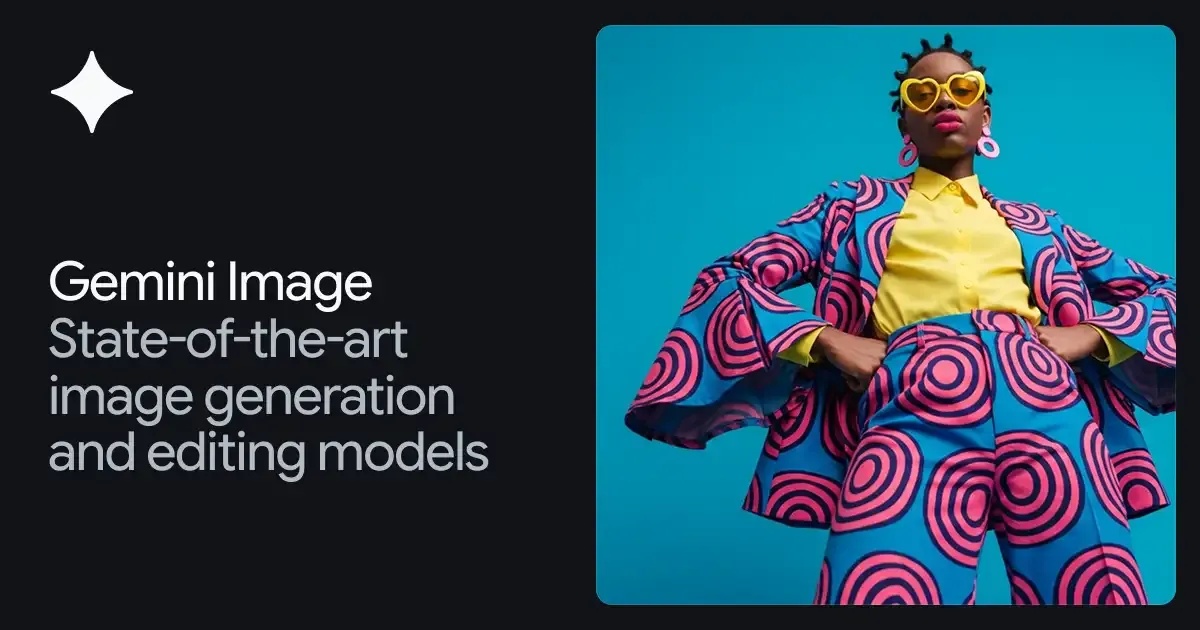
Performance Snapshot: Accessibility & Integration
One of the best things about Nano Banana 2 is how easy it is for everyone to use. It's coming out today across many Google products, making it super simple to add into how you work:
- Gemini app: It's taking the place of Nano Banana Pro in the Fast, Thinking, and Pro versions. (If you pay for Google AI Pro and Ultra, you can still find Nano Banana Pro in the menu for special jobs.)
- Search: You can find it in AI Mode and Lens, through the Google app, and on both your phone and computer browsers. It's now available in 141 new countries and places and in eight more languages (Google AI Blog).
- AI Studio + API: You can try it out now, but you'll need to pay for an API key.
- Google Cloud: You can get to it using the Gemini API in Vertex AI.
- Flow: This is a big deal! Nano Banana 2 is now the main image maker in Flow, and all Flow users can use it for free.
- Google Ads: It's already helping to create ideas for ad campaigns.
For developers, there are new picture sizes (like 4:1, 1:4, 8:1, 1:8). There's also a new 512-pixel size option to make things faster, and you can change how much the tool 'thinks' (from minimal to high/dynamic) to get the results you want before it makes the picture (Google AI Blog).
Community Pulse: What Real Users Are Saying
I haven't seen specific Reddit chats about Nano Banana 2 yet. But, what Google itself says gives us a big hint about what people might talk about. They keep saying that Nano Banana Pro is still for jobs where you need 'perfect facts and super high accuracy.' This tells us that while Nano Banana 2 offers 'Pro features' super fast, you might trade a tiny bit of perfect factual accuracy for that speed and easy access for everyone.
This is where people often ask: Is being super fast worth possibly losing a little bit of perfect detail? For many people who just love creating or make content, the answer will probably be a big YES! Especially since you can use it for free in Flow. But for making professional images where every tiny detail and fact is super important, the Pro version will probably still be the top choice.
Google is also working hard to fix worries about AI-made content. Their SynthID tech, along with C2PA Content Credentials, helps you see exactly how AI was used to make something. SynthID has already been used to check things over 20 million times since November. And C2PA checks are coming soon to the Gemini app. This is a really important step to build trust and make AI-made content clear for everyone.
Alternative Perspectives & Further Proof
It's important to see Nano Banana 2 (gemini-3.1-flash-image-preview) and Nano Banana Pro (gemini-3-pro-image-preview) not as rivals, but as tools that work together in the Gemini Image family. They're made for different ways of working and different needs.
Imagine Nano Banana 2 as your cool, everyday sports car – it's fast, easy to handle, and has lots of features for most of your creative trips. Nano Banana Pro, though, is like a super-tuned race car. It's built for those special, important races where you absolutely need perfect facts, super smart thinking, and top-quality images for professional work (Google AI Blog).
Nano Banana Pro is really good at making professional images. It uses smart thinking to follow tricky directions and create super clear text. So, while Nano Banana 2 makes cool features available to everyone, Pro is still the best choice for the hardest, most detailed jobs.
Practical Tip & Final Recommendation
My advice? Just try it out! Since it's so easy to get your hands on through the Gemini app, Search, AI Studio, and Flow (especially because it's free there!), Nano Banana 2 is super accessible. If you need to try out ideas fast, brainstorm, or make lots of content where speed and creative control are most important, Nano Banana 2 is your best friend.
But, if your project needs the absolute best factual accuracy, super smart thinking, and pixel-perfect quality for professional images, then Nano Banana Pro is still the tool to use. Remember, giving very detailed instructions is the best way to get great results from any AI image maker. And always pay attention to tools like SynthID and C2PA – they help us all use AI in a good way.
import{GoogleGenAI}from"@google/genai";import*asfsfrom"node:fs";asyncfunctionmain(){constai=newGoogleGenAI({});constprompt="Create a picture of a nano banana dish in a fancy restaurant with a Gemini theme";constresponse=awaitai.models.generateContent({model:"gemini-3.1-flash-image-preview",contents:prompt,});for(constpartofresponse.candidates[0].content.parts){if(part.text){console.log(part.text);}elseif(part.inlineData){constimageData=part.inlineData.data;constbuffer=Buffer.from(imageData,"base64");fs.writeFileSync("gemini-native-image.png",buffer);console.log("Image saved as gemini-native-image.png");}}}main();My Final Verdict: Should You Use It?
Nano Banana 2 successfully brings together the smart features of its older Pro version with super-fast 'Flash' speed. This makes creating fancy images easier and quicker across all of Google's tools. As Alisa Fortin and Bea Alessio, Product Managers at Google DeepMind, stated, Nano Banana 2 "brings high-fidelity image generation and faster, advanced editing to the new Flash model. It allows you to deploy sophisticated visual creation at scale with an amazing price-performance ratio." It's a powerful tool for making creative stuff fast, especially for people who just love creating, content makers, and developers who want speed and lots of features without spending a fortune. While Nano Banana Pro is still the pick for perfect facts and the most detailed professional image making, Nano Banana 2 is definitely the new go-to for most people who want great, fast AI images. It's a clear win for making advanced AI creative tools available to everyone, giving a great option for almost any time you need speed and efficiency.
Frequently Asked Questions
-
Is Nano Banana 2 really good enough for professional work, or should I still use Nano Banana Pro for my most important projects?
While Nano Banana 2 gives you awesome 'Pro features' super fast, we still suggest Nano Banana Pro for jobs where you need perfect facts and really smart thinking. Nano Banana 2 is best for trying out ideas quickly and making lots of creative stuff.
-
Since it's 'Flash' fast, does Nano Banana 2 lose out on facts or details compared to other super-accurate AI image tools?
Google says Nano Banana Pro is for 'jobs needing perfect facts and super high accuracy.' This means Nano Banana 2 focuses more on speed and being easy for everyone to use. For most creative things, it looks great! But if you need absolutely pixel-perfect facts, Pro might still be a tiny bit better.
-
How can I best use Nano Banana 2's new features, like keeping characters the same and making perfect text, in my creative work?
Try playing around with its better creative control for up to five characters that stay the same and 14 objects. Use its perfect text feature for ad designs and translating text right inside images. Its speed makes trying out ideas and planning stories super quick and easy.
Sources & References
- Build with Nano Banana 2, our best image generation and editing model - Google Blog
- Google Nano Banana 2 arrives: How to try it now | Mashable
- 6 Stunning Nano Banana 2 Image Examples (Viral Outputs and Prompts) | GenAIntel Guides
- Nano Banana 2: Google’s latest AI image generation model
- Nano Banana 2: Google’s latest AI image generation model
- Nano Banana 2: How developers can use the new AI image model
- Gemini Image – Nano Banana — Google DeepMind
- Gemini API | Google AI for Developers
- How Nano Banana 2 May Shift the Future of AI Image Generation?
- Source
- Source
- Google Nano Banana 2 arrives: How to try it now | Mashable
- Nano Banana 2 Is Here: Gemini 3.1 Flash Image API Access Guide | Blog

Yousef S. | Latest AI
AI Automation Specialist & Tech EditorSpecializing in enterprise AI implementation and ROI analysis. With over 5 years of experience in deploying conversational AI, Yousef provides hands-on insights into what works in the real world.




