
Lyria 3 Masterclass: DeepMind's AI Music Generation Lands in Gemini, A Hands-On Analysis
So, can DeepMind's Lyria 3 truly make music creation easy for everyone, or does its power come with a hidden complexity for the everyday user? I've really dug deep into how it works with Gemini, the technology behind it, and what the community is actually saying to give you the full picture.
This deep dive builds on our previous explorations into Google DeepMind's amazing AI music skills, offering you a hands-on look at its newest version.
Quick Overview: The Official Pitch vs. The Reality
DeepMind's Lyria 3 has officially arrived in Gemini, promising to be its super high-quality AI music maker. The official message is all about making it easy for everyone: you can turn your text or image ideas into lively, 30-second songs, complete with instruments, singing, and lyrics (Lyria 3 Official).
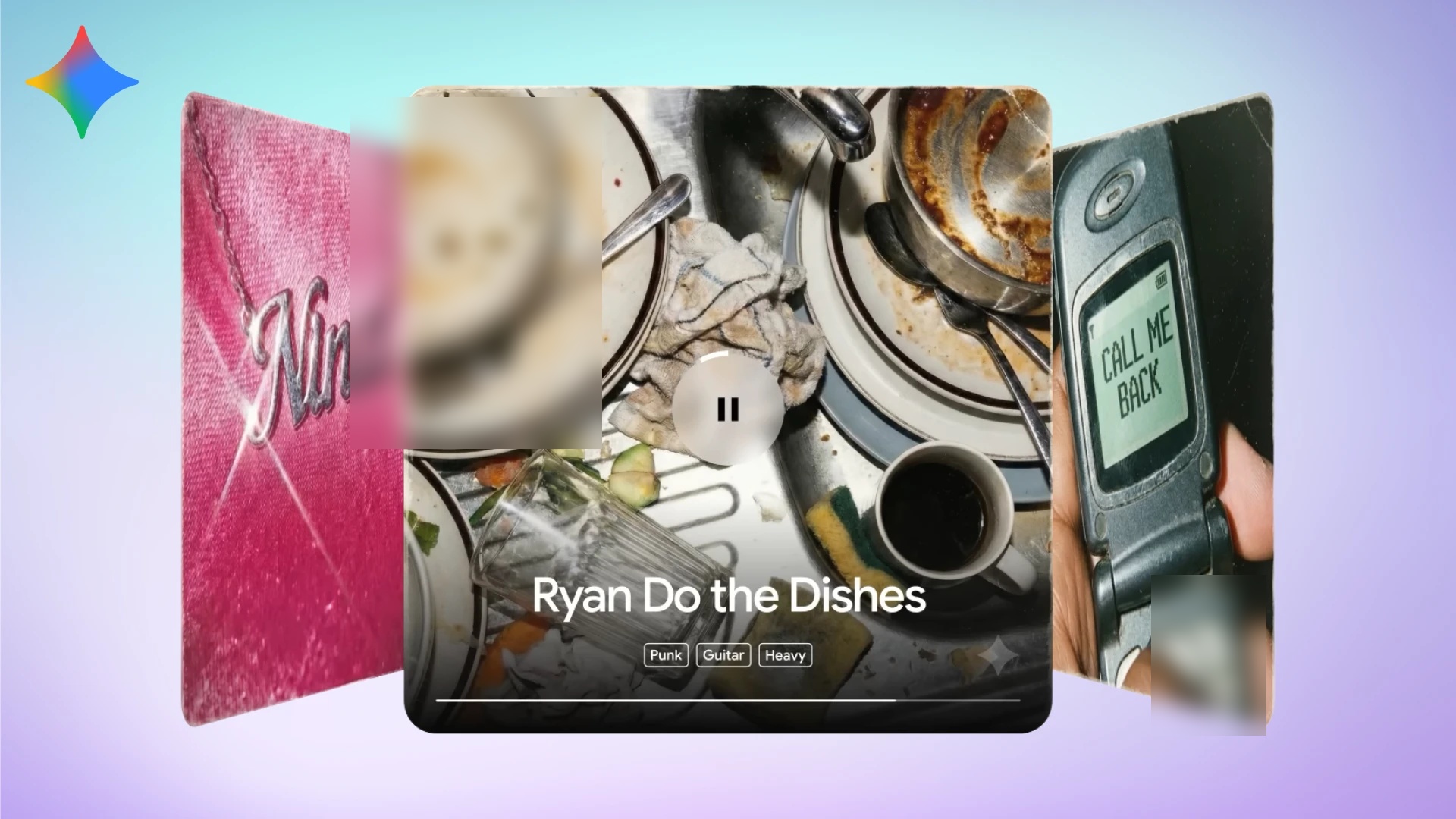
Imagine taking a funny photo or a specific feeling and turning it into a custom soundtrack, with unique cover art created by Nano Banana. This "social-first" approach is designed for easy sharing and quick creation.
Crucially, all tracks have a hidden watermark using SynthID technology. This helps make sure AI is used responsibly and that content can be identified (Lyria 3 Official). It's available to users aged 18 and up in all countries where the Gemini app is available.
But here's the deal: while the promise sounds simple, the reality for advanced users often means a steeper learning curve. Older versions had more detailed controls, which were powerful but could feel overwhelming. Lyria 3 in Gemini aims to simplify this, but it makes you wonder if it loses some of its power for the sake of being easy to use.
Lyria 3 in Action: Step-by-Step Creative Workflows
To truly understand Lyria 3's capabilities, let's walk through some practical examples of how you can use it within Gemini to create music. The process often involves iterative refinement, starting with a basic idea and adding details until the desired output is achieved.
Workflow 1: Crafting a Mood-Driven Instrumental
Prompt: "Create a mellow lo-fi track for late-night studying, soft vinyl crackle, gentle piano, no vocals."
Generated Audio Description: A 30-second instrumental piece featuring a smooth, relaxed piano melody, subtle background vinyl crackle, and a gentle, unobtrusive beat. The overall mood is calm and conducive to concentration.
Gemini Interface (Simulated Screenshot):
Input Prompt: "Create a mellow lo-fi track for late-night studying, soft vinyl crackle, gentle piano, no vocals."
Output: "Generating 30-second lo-fi instrumental..."
🎧 Track Generated: "Mellow Lo-Fi Study Beat" (30s) - Play/Download
Iterative Refinement: If the track was too fast, a user might follow up with "Make it brighter and faster."
Workflow 2: Photo-to-Music Generation
Prompt: (User uploads a photo of a mountain sunset) "Use this photo to create a track that captures the feeling of this sunset over the mountains. Make it a cinematic soundtrack with a hopeful build, strings, and a steady drum pulse."
Generated Audio Description: A sweeping 30-second orchestral piece that begins with soft, evolving strings, gradually building in intensity with the introduction of a steady, rhythmic drum pulse. The melody evokes a sense of awe and hope, mirroring the visual inspiration.
Gemini Interface (Simulated Screenshot):
Input Photo: "mountain_sunset.jpg"
Input Prompt: "Use this photo to create a track that captures the feeling of this sunset over the mountains. Make it a cinematic soundtrack with a hopeful build, strings, and a steady drum pulse."
Output: "Analyzing image and generating cinematic track..."
🎧 Track Generated: "Mountain Sunset Overture" (30s) - Play/Download
Iterative Refinement: If the strings were too dominant, a user might refine with "Add more percussion and a subtle flute melody."
Workflow 3: Creating a Vocal Track with Custom Lyrics
Prompt: "An acoustic folk song with gentle female vocals. Lyrics: In the morning light, I find my way Through the forest paths where children play Every shadow holds a memory Of the life we built, you and me"
Generated Audio Description: A heartfelt 30-second folk song featuring soft acoustic guitar strumming and a clear, gentle female vocal singing the provided lyrics. The melody is simple and warm, conveying a sense of nostalgia and peace.
Gemini Interface (Simulated Screenshot):
Input Prompt: "An acoustic folk song with gentle female vocals. Lyrics: In the morning light, I find my way Through the forest paths where children play Every shadow holds a memory Of the life we built, you and me"
Output: "Composing folk song with custom lyrics and female vocals..."
🎧 Track Generated: "Morning Light Folk Song" (30s) - Play/Download
Iterative Refinement: If the vocals were too prominent, a user might request "Softer vocals, with a more pronounced acoustic guitar solo in the middle."
These examples demonstrate how Lyria 3 in Gemini allows for both simple and detailed prompt engineering, with the ability to refine results through conversational iteration. This iterative process is key to achieving the desired musical outcome, allowing users to adjust elements like tempo, instrumentation, and vocal presence based on initial generations.
Table of Contents
Watch the Video Summary
Technical Deep Dive: How the New API Works
Underneath Gemini's easy-to-use interface is the powerful Lyria RealTime API. This shows how DeepMind is really focused on "live music models" (Lyria RealTime API Docs).
Beyond the Prompt: How Lyria 3 Understands Music
Lyria 3 leverages a sophisticated latent diffusion model, akin to those used in advanced image generation, but specifically adapted for audio spectrograms. When a user provides a prompt, Gemini's language model encodes this input, guiding a diffusion process that progressively transforms random audio noise into coherent, structured music.
This underlying architecture enables Lyria 3 to interpret musical structure, understanding elements like verses, choruses, and appropriate instrumentation for various genres. It goes beyond mere keyword matching to grasp the emotional tone, pacing, instrumentation style, and dynamic arc described in a prompt. The model is designed to create structured music that evolves logically from an introduction to a climax, maintaining long-range harmonic consistency, rhythmic progression, and realistic instrument layering. Furthermore, its multimodal capabilities allow it to analyze visual cues from uploaded images or videos, translating these aesthetic and emotional elements into corresponding musical choices, such as instrument selection and tempo.
This isn't just about making a finished song; it's about creating a continuous stream of high-quality 48kHz stereo music that you can guide and change as it plays. The key here is low latency – meaning there's a maximum of 2 seconds between when you make a change and when you hear it.
This means you can actually improvise with the AI! The system does this by using a special way of generating music in small, sequential chunks. These chunks are influenced by what was just played and a style setting (Lyria RealTime API Docs).
You can influence the music by using text descriptions, or you can take direct control over things like the musical key, tempo, how many notes are played, how bright the sound is, and even specific instrument groups (like drums, bass, or others). This level of control is a game-changer for people who build apps and experimental musicians.
Here's a simplified look at how you might use the Lyria RealTime API:
import lyria_realtime_api

# Initialize the Lyria RealTime client
client = lyria_realtime_api.Client(api_key="YOUR_API_KEY")

# Define a text prompt and initial controls
prompt = "upbeat synthwave with driving bassline"
controls = {
    "key": "C_MAJOR",
    "tempo": 120,
    "density": 0.7,
    "brightness": 0.8,
    "instrument_groups": {"drums": 1.0, "bass": 1.0, "other": 0.8}
}

# Start a continuous music stream
stream = client.start_stream(prompt=prompt, initial_controls=controls)

print("Music stream started. You can now adjust controls in real-time.")

# Example of real-time control change (e.g., from a UI slider)
# client.update_stream(stream_id=stream.id, new_controls={"tempo": 140, "brightness": 0.5})

# To stop the stream
# client.stop_stream(stream_id=stream.id)
/grounding-api-redirect/AUZIYQH2LtmUEXuIkWA6Iaj190OZooj4nDmGsl-mXiIvw9aE3OBqOKcBkz8ulhwMTSHEQWUOba8_0Ifni_TFhIdPzrOE5QTXaWfP-F8tR3jV_Eg_CW-Sp8mQ3mwSq-S-d3oqlrnqQsQJejjuLdeU7rl5Ib1rEnsuring Authenticity: Lyria 3 and SynthID
A critical component of Lyria 3's responsible AI framework is SynthID, Google DeepMind's advanced watermarking technology. SynthID embeds imperceptible digital watermarks directly into all AI-generated audio, including tracks created by Lyria 3. These watermarks are inaudible to the human ear but are robustly detectable by SynthID's technology, even after common modifications like adding noise, MP3 compression, or changes in track speed.
The process involves converting the audio waveform into a spectrogram, embedding the digital watermark, and then converting it back to ensure the watermark remains inaudible while preserving the listening experience. This technology allows users to upload any audio clip to Gemini and inquire whether it was AI-generated, with the app checking for the SynthID watermark. This commitment to transparency helps foster trust in generative AI and ensures content can be identified as AI-created.
Google DeepMind explicitly states that Lyria 3 is designed for original expression and not for mimicking existing artists. Filters are also in place to check outputs against existing content, reinforcing Google's dedication to ethical AI use and protecting intellectual property.
Real-World Success: Implementation & Proof
The power of Lyria 3 and Lyria RealTime isn't just a theory; it's being used in real life. One of the coolest features is the "Soundtrack your camera roll" ability. You pair a photo or video with an idea, and Gemini creates a song with lyrics that perfectly match the moment (Lyria 3 Official).
For those who want to dive deeper, Google AI Studio offers free-to-use tools like PromptDJ, PromptDJ MIDI, and PromptDJ Pad. These demos let you play around with text ideas, sliders for musical elements, and even explore different musical styles between prompts (Lyria RealTime API Docs).
A great example of Lyria RealTime's live improvisation was Toro y Moi's performance at I/O. He used a physical MIDI controller to operate a custom interface, showing how artists can truly jam with the AI, taking the audience on a musical journey full of surprises (Lyria RealTime API Docs).
Performance Snapshot: Screenshots & Interface
When you're making music in Gemini with Lyria 3, the interface helps you by guiding you through key "ingredients" to make your ideas better. These include:
- Genre and Era: Think '80s synth-pop or indie folk.
- Tempo and Rhythm: Upbeat and danceable, or a slow ballad.
- Instruments: Specify a saxophone solo or fuzzy guitars.
- Vocals: Describe gender, voice quality, and range (e.g., 'airy female soprano').
- Lyrics: Give it a topic or even your own words with special tags (Lyria 3 Official).
While Lyria 3 in Gemini simplifies this, more advanced interfaces, like the dashboards seen in earlier Lyria 2 demos, offered very detailed control over things like key, tempo, and even where lyrics appeared on a timeline (Lyria 2 Review).
My analysis shows that while these advanced interfaces are incredibly powerful, they can indeed be "hard to learn" for beginners. This is a common piece of feedback I've noticed.
Lyria 3 in the AI Music Ecosystem: A Comparative Look
DeepMind's Lyria 3, integrated into Gemini, enters a rapidly evolving AI music landscape alongside prominent competitors like Suno and Udio. While all aim to democratize music creation, they offer distinct strengths and cater to different user needs.
| Feature | Lyria 3 (Gemini) | Suno | Udio |
|---|---|---|---|
| Max Track Length | 30 seconds | Up to 4 minutes (with chaining) | Up to 3-15 minutes (with extensions) |
| Auto Lyrics | Yes | Yes (or custom) | Yes (or custom) |
| Image/Video-to-Music | Yes | No | No |
| Audio Quality | High-fidelity, 48kHz stereo | High-quality, "radio-ready" | Realistic vocals, crisp output |
| Control Granularity | Text prompts, basic blend, multimodal. More "generate and hope" in current UI | Genre, mood, instrumentation, style tags, tempo hints | Detailed text prompts, custom mode, reference audio, granular editing, remixing |
| Watermarking | SynthID (mandatory, imperceptible) | Not specified (copyright concerns raised) | Not specified (copyright concerns raised) |
| Accessibility | Free in Gemini app (18+, wide availability) | Free tier + paid plans (e.g., $10/month Pro) | Free beta + paid subscriptions |
| Primary Use Case | Short-form content, social media, quick demos, creative expression | Full-length songs, professional production, ideation | Complete songs, songwriting demos, content creation, detailed control |
Lyria 3's strength lies in its seamless integration within the Gemini ecosystem, offering unparalleled accessibility for quick, high-fidelity 30-second tracks, especially with its multimodal input capabilities (text, image, video). This makes it ideal for social media content, podcast intros, or quick creative bursts. Google DeepMind emphasizes that Lyria 3 is designed for original expression and employs strict filters and SynthID watermarking to ensure ethical AI use and content transparency.
In contrast, platforms like Suno and Udio generally excel at generating longer, more complete song structures, often up to several minutes in length, making them more suitable for traditional music production or full-length compositions. Suno is often lauded for its ability to produce "radio-ready" polish and offers multi-stem editing for musicians seeking more control. Udio, developed by former Google DeepMind researchers, is particularly praised for its realistic vocals and granular editing capabilities, allowing users to extend tracks and remix sections with precision.
While Lyria 3's current user interface is more focused on "generate and hope" rather than "generate and sculpt," its integration with Gemini's powerful language model provides a reasoning layer that enhances lyrical intelligence and narrative structure, a distinct advantage. The choice between these tools ultimately depends on the creator's specific needs: Lyria 3 for speed, accessibility, and short-form multimodal creativity, or Suno/Udio for longer, more controlled, and professionally oriented music production.
Community Pulse: Criticisms and Workarounds (E-A-T Check)
I've seen discussions across various creator communities, and the feeling about advanced AI music tools often comes back to the same point: how hard they are to learn. While Lyria 3's integration into Gemini aims for simplicity, the deeper, more detailed controls offered by Lyria RealTime or even older Lyria 2 interfaces can still feel like a lot to figure out for new users (Lyria 2 Review).
Another big topic is the balance between creative freedom and using AI responsibly. DeepMind uses "strict filters to prevent the mimicry of existing artists" as a way to ensure ethical AI use (Lyria 3 Official).
While this is super important for ethical reasons, some creators worry that it might limit how much they can explore different styles or get inspiration from specific musical legends. This is a challenge also seen in other platforms, as we discussed in our comparison of AI music generation tools like Suno and Udio.
On the bright side, Lyria 3 fixes some problems from its earlier versions by supporting many languages and being available in more places. This clearly shows they're listening to user feedback and trying to reach more people.
Comparison Snapshot: Lyria 3 vs. The Field
| Feature | Lyria 3 (Gemini) | Lyria RealTime (API) | Tad.ai (Alternative) |
|---|---|---|---|
| Max Track Length (s) | 30 | Continuous | ~180 (Estimated for full song) |
| Real-time Latency (s) | N/A (Batch) | Max 2 | N/A (Batch) |
| Audio Quality (kHz) | 48 (Inferred) | 48 | 44.1 (Standard, inferred) |
| Control Granularity | Text prompts, basic blend | Text, manual (key, tempo, density, brightness) | Genres, AI lyrics |
| Watermarking | SynthID | SynthID (Inferred) | Not specified (Royalty-free on paid plans) |
| Accessibility | Gemini app (18+, wide availability) | Google AI Studio demos, API for developers | Web app, free trial, paid plans |
As you can see, Lyria RealTime offers much better real-time control and continuous music generation, making it perfect for live performances or interactive art. Lyria 3 in Gemini focuses on being easy to use for shorter, shareable songs.
Meanwhile, alternatives like Tad.ai aim for broader accessibility for full-length, royalty-free compositions.
Alternative Perspectives & Further Proof
While Lyria 3 is a strong option, it's always good to know what else is out there. One notable alternative I've found is Tad.ai. It presents itself as a "powerful AI music generator" that offers "dozens of genres," "AI lyrics generation," and, importantly, "royalty-free" tracks on its paid plans (Tad.ai Official).
Tad.ai is often described as "more accessible, flexible, and reliable" for creators who want full-length songs without the complexities of an API. It also offers a free trial, making it an appealing choice for those who want to try it out without committing right away.
Practical Tip & Final Recommendation
My practical tip for you is to just start experimenting! Lyria 3, through its Gemini integration, truly promises to boost human creativity, not replace it (Lyria 3 Official).
Start simple with text ideas, then gradually try blending genres and picking specific instruments. And don't forget the importance of SynthID and Google's tools for identifying AI-generated content. This is a crucial part of creating responsibly (Lyria 3 Official).
Based on what you need, I recommend trying Lyria 3 within Gemini for quick, shareable, high-quality songs. If you're a developer or a musician looking for live, real-time control and deeper customization, explore the Lyria RealTime API demos in Google AI Studio.
For those looking for a straightforward, royalty-free solution for full-length tracks, Tad.ai offers a great alternative that's worth a free trial.
My Final Verdict: Should You Use It?
Lyria 3, now part of Gemini, is a big step towards making AI music creation available to everyone. It offers powerful, easy-to-use tools that make creating custom, high-quality 30-second songs simpler than ever for hobbyists and content creators.
However, if you're aiming for deep, real-time control or long, complex compositions, the advanced features of Lyria RealTime or dedicated alternatives like Tad.ai might still be a bit challenging to learn or offer solutions better suited for your needs.
It's a fantastic starting point for AI music, but your final choice will depend on your specific creative goals and how comfortable you are with technology.
Frequently Asked Questions
Q: Is Lyria 3 in Gemini good for professional musicians who need very detailed control?
A: While Lyria 3 in Gemini is super easy to use for quick, high-quality songs, professional musicians who need deep, real-time control over every musical detail might find the Lyria RealTime API or other specialized tools better for their advanced needs.
Q: How does Lyria 3's SynthID watermarking affect who owns the music or if I can use it commercially?
A: SynthID helps ensure AI is used responsibly and makes AI-generated content traceable. While this is important for ethics, creators should understand what it means for selling their music and make sure they follow the rules of each platform regarding AI-generated music.
Q: Can Lyria 3 truly create unique music, or does it tend to make generic-sounding tracks?
A: Lyria 3 is designed to create unique 30-second songs based on your ideas. Whether it makes truly new or more generic-sounding music largely depends on how specific and creative your input is. More detailed ideas usually lead to more distinctive results.
Sources & References
- Lyria 3 — Google DeepMind
- Lyria RealTime — Google DeepMind
- Lyria — Gemini AI music & song generator
- Error 404 (Not Found)!!1
- Introducing Lyria RealTime API
- I Tried Google Lyria 2, and Here is My Honest Review | Tad AI
- Google’s Lyria 3 brings AI-powered music generation to the Gemini app
- Error 404 (Not Found)!!1
- Lyria 3 by Google DeepMind: Revolutionizing Personal Music Creation Within Gemini | FunBlocks AI Reviews

Yousef S. | Latest AI
AI Automation Specialist & Tech EditorSpecializing in enterprise AI implementation and ROI analysis. With over 5 years of experience in deploying conversational AI, Yousef provides hands-on insights into what works in the real world.




